

读懂你的应用流量
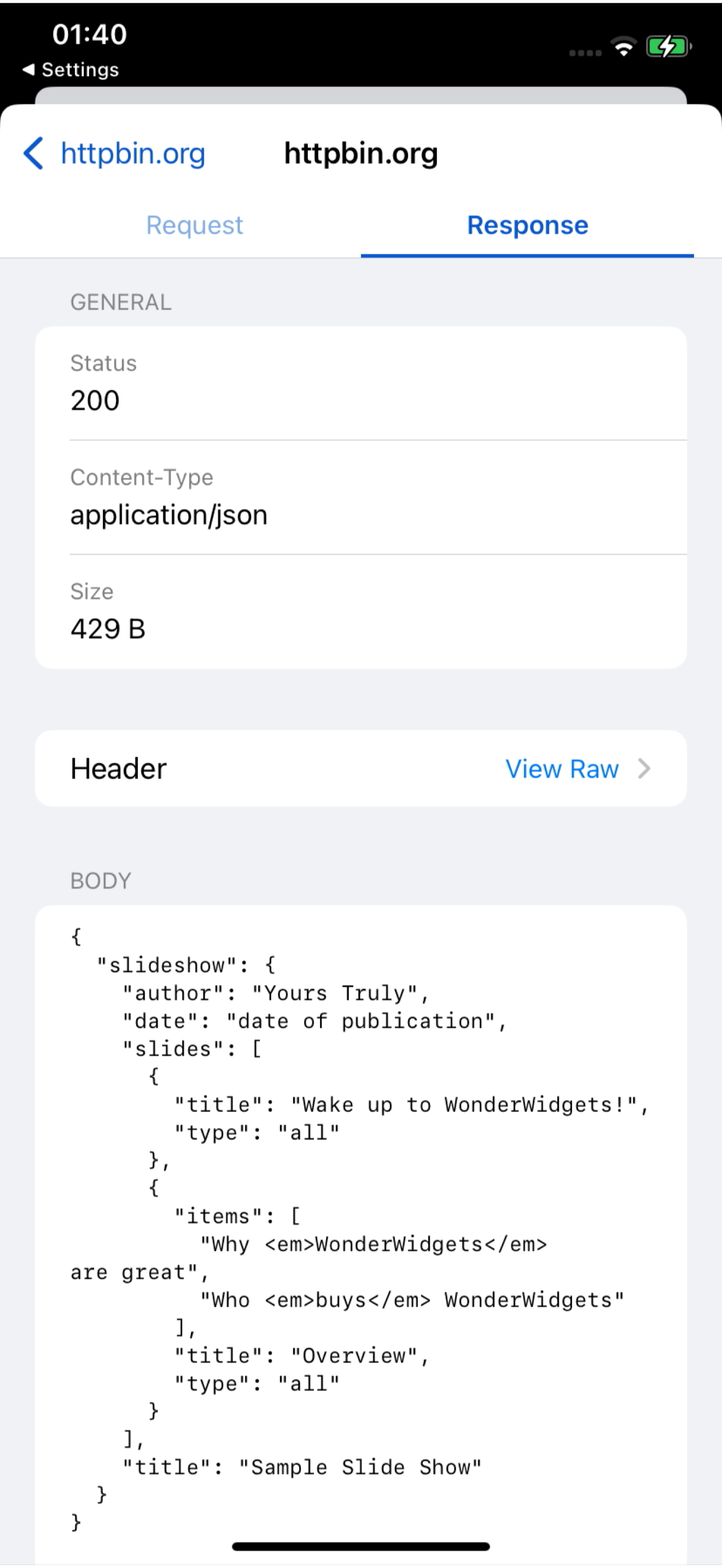
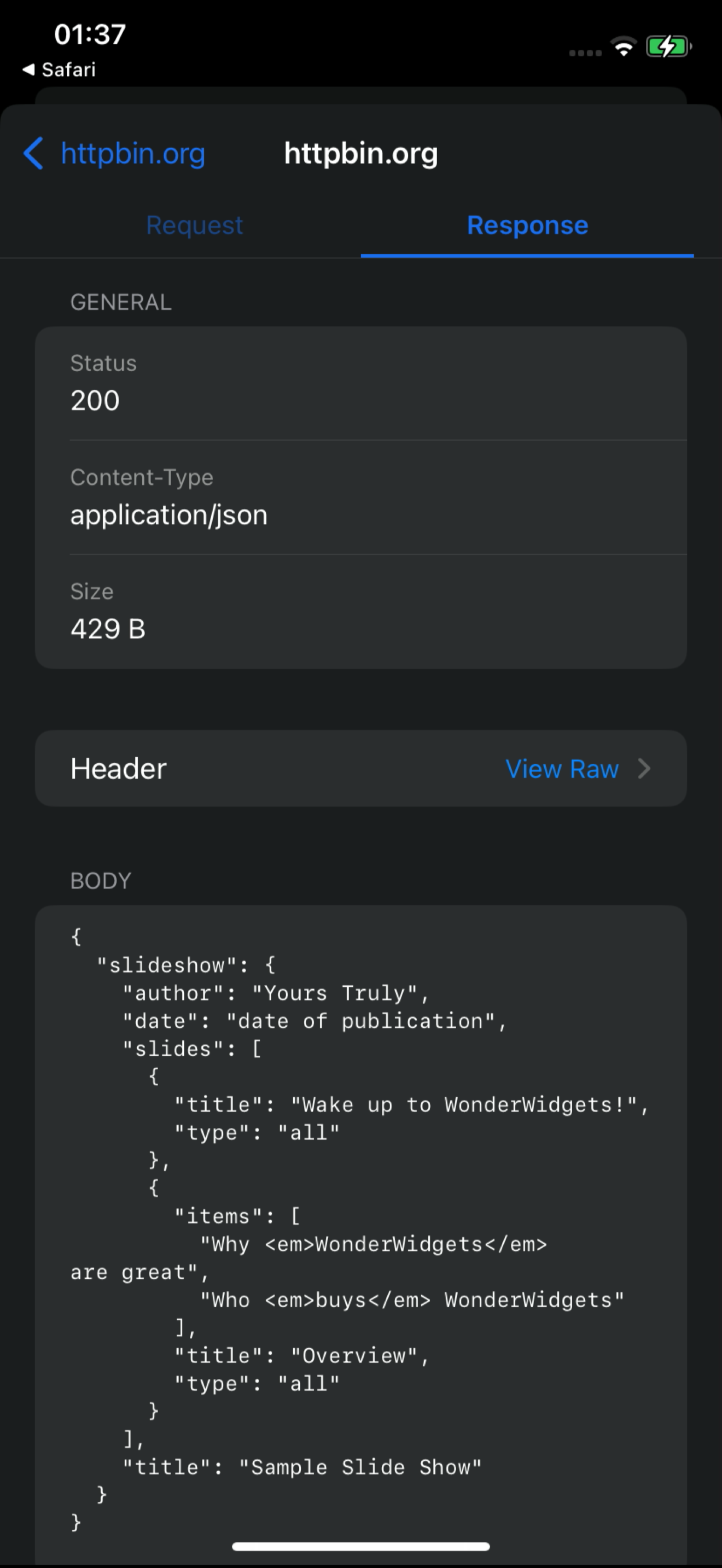
从 iPhone、Android 和 Chrome 捕获 HTTP(S) 流量。检查请求、测试响应,并请 AI 帮助解释失败原因。
内置 BusyBro AI 智能体它有记忆。它能行动。控制权始终在你手里。
亲眼看看
一段 18 秒的实时仪表盘录屏:/v1/charge 请求从 iPhone 源源而来,打开其中一条查看请求与响应,再让 BusyBro 解读它。没有样机演示——这就是产品的真实运行。
- 真实录屏
- 实时仪表盘信息流
- 内含 BusyBro
Ask the live feed.
BusyBro 会读取你已捕获的 HTTPS 流量。问它某个应用如何登录、某个 500 为何发生——它会列出运行过的工具、隐去敏感信息,并在重放前先征求确认。
- Same live feed
- Tools you can see
- Confirm-gated replay
Capture it See it
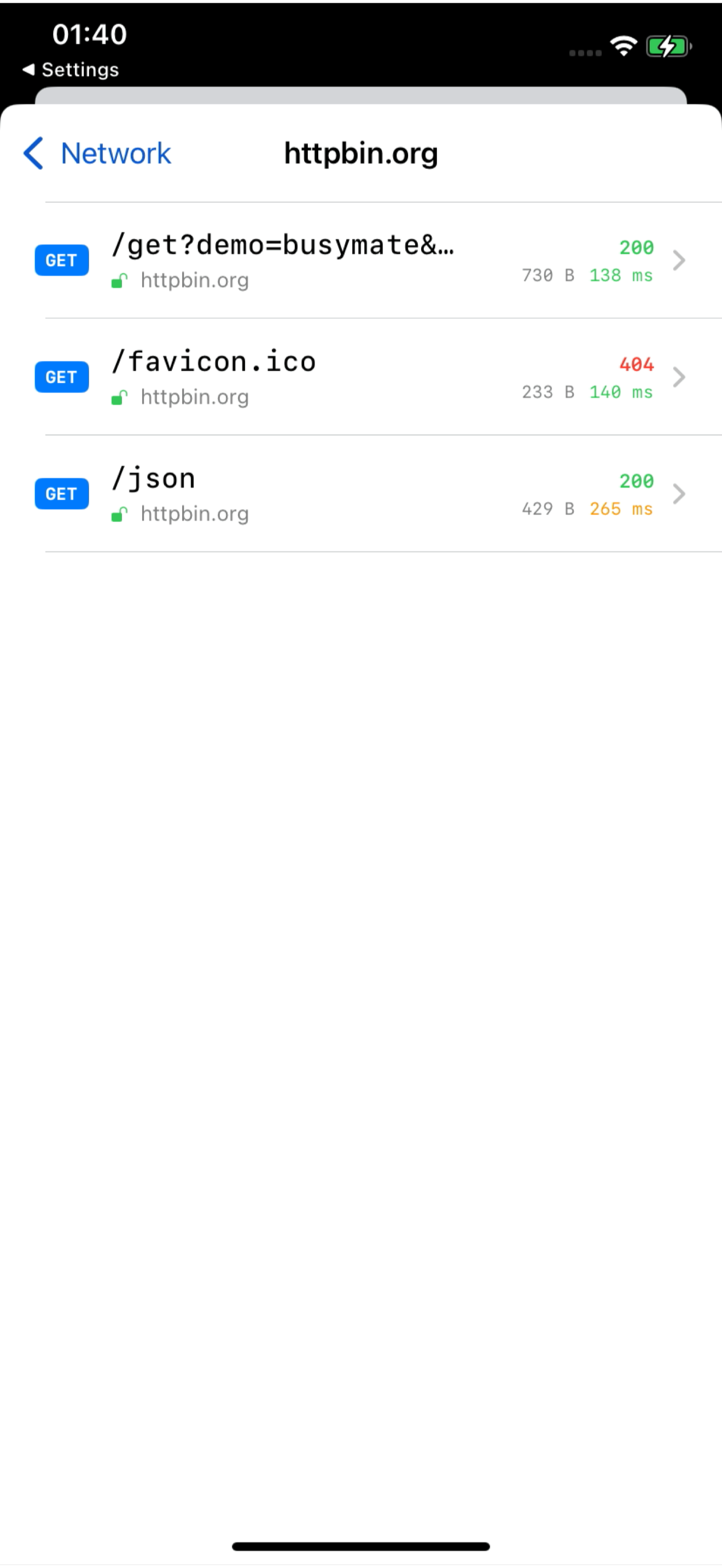
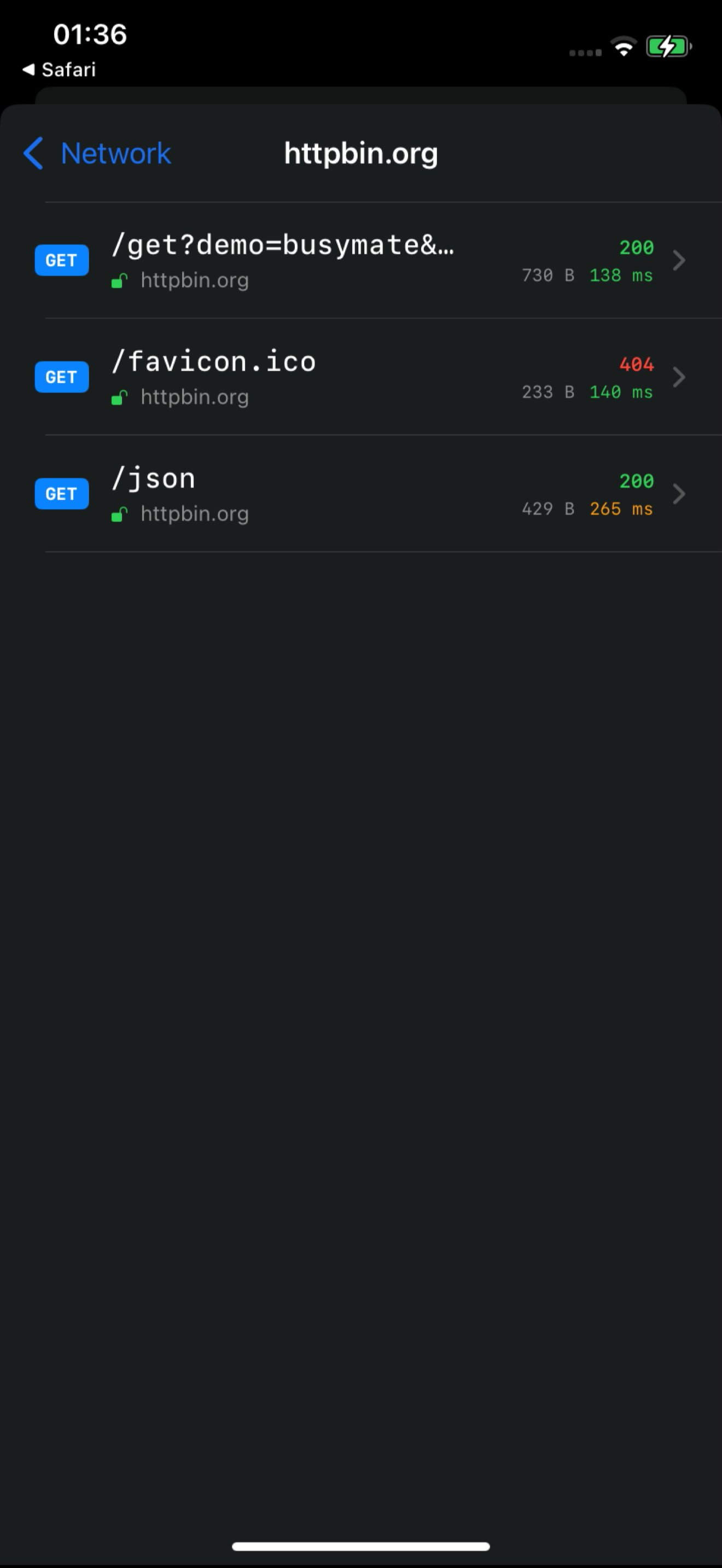
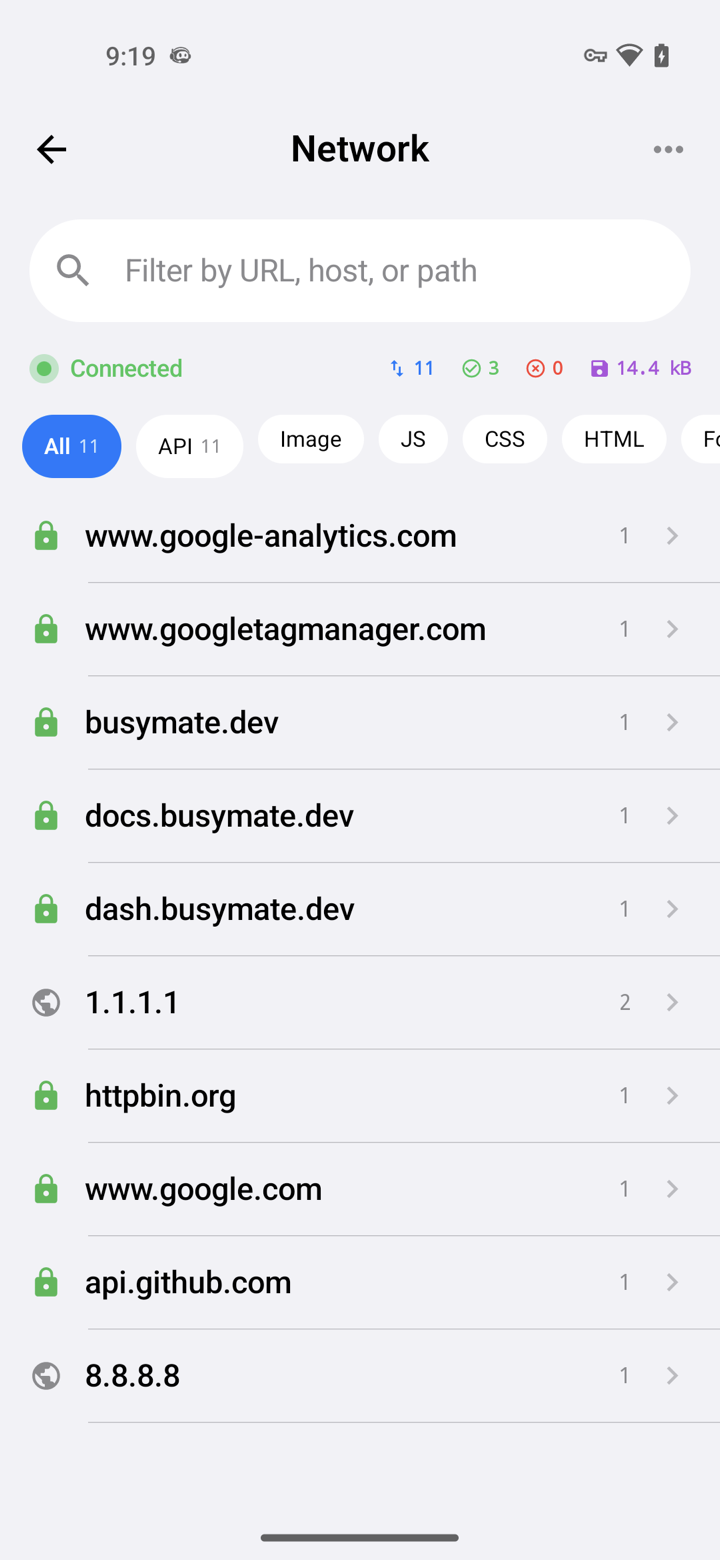
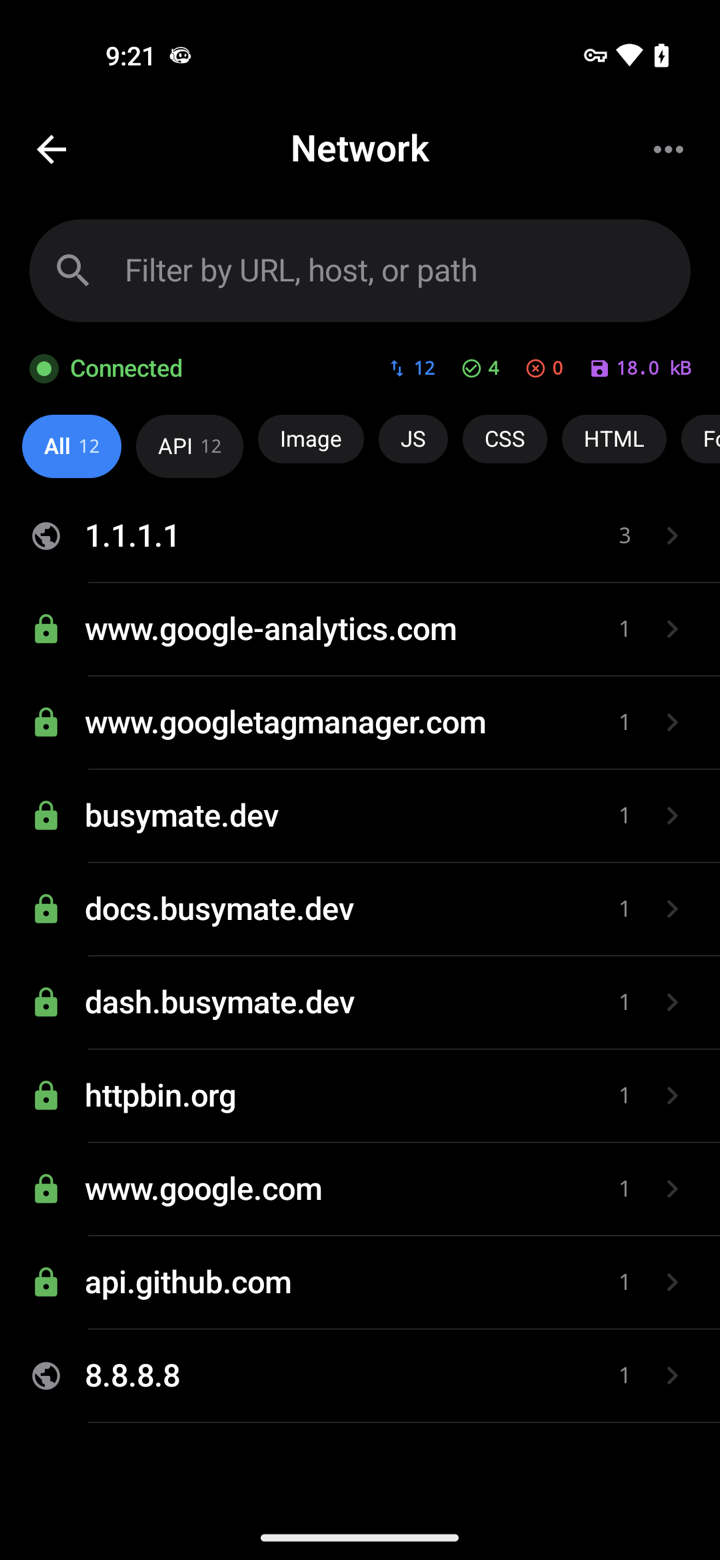
Decrypt only the hosts you pick. No Mac, no cable.
- iOS VPN
- Android TUN
- No desktop required
Don't just watch.
Open a request, pause it, send back a fake response — or hand the same feed to an AI.
- Breakpoints
- Mocks
- JS scripts
接入
459 个 MCP 工具。你的智能体查看同一条实时流,并执行重放、Mock 和设备控制——破坏性操作总会先确认。
- OAuth 2.1
- Confirm-gated
- RBAC-scoped
# Claude Code — add the server, then authorize in your browser:
claude mcp add --transport http busymate-devtools https://mcp.busymate.dev所有来源。
手机、Chrome、代理或整机架设备——全部汇入同一张实时表格。
Three steps to
From a phone you own to a dashboard your team — and Claude — can use.
面对
有意共享访问权限、审查活动,并将存储的凭证保留在界面之外。
Common questions
Can I capture HTTPS on an iPhone without a Mac?
Yes. The iPhone app captures on the phone itself — no Mac, no cable.
How does Android capture work without a Wi-Fi proxy?
The Android app captures on the phone. You can still use a Wi-Fi proxy for other devices if you want.
Can Claude or Cursor read my captured traffic?
Yes. Connect Claude or Cursor — they see the same live feed you do, limited to your role.
Can an AI agent run destructive actions on my devices?
Only if you confirm. Destructive actions ask first, and everything is logged. Secrets cannot be read back.
这与 Proxyman、Charles、HTTP Toolkit 或 mitmproxy 有什么不同?
这些工具提供不同的本地捕获、共享和自动化工作流。Busymate 结合了托管捕获源、角色作用域访问、具有 459 个 MCP 工具的代理和真实设备控制。查看来源对比以选择最适合的方案。
Is this an LLM observability or tracing platform?
No. It shows the raw HTTPS your apps (and agents) send, so you can inspect and replay. Use it next to a tracing stack, not instead of one.