

Your app’s traffic, explained
Capture HTTP(S) traffic from iPhone, Android, and Chrome. Inspect requests, test responses, and ask AI to help explain failures.
Built-in BusyBro AI AgentIt remembers.It acts.You stay in control.
See it
An 18-second screen recording of the live dashboard: /v1/charge requests streaming in from an iPhone, one opened to its request and response, then BusyBro asked to explain it. No mockups — this is the product as it runs.
- Real screen recording
- Live dashboard feed
- BusyBro included
Ask the live feed.
BusyBro reads the HTTPS you already captured. Ask how an app logs in or why a 500 happened — it names the tools it ran, redacts secrets, and asks before it replays.
- Same live feed
- Tools you can see
- Confirm-gated replay
Capture it See it
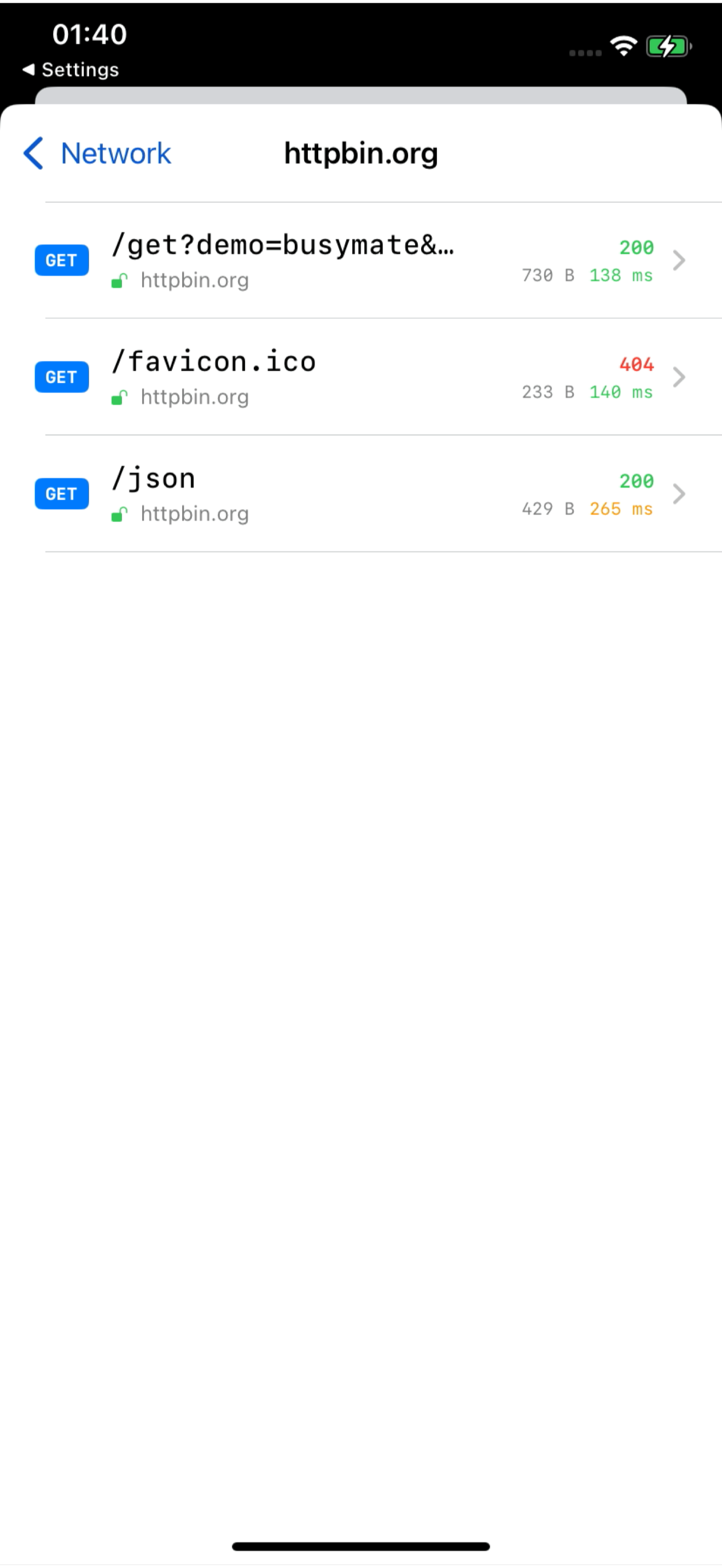
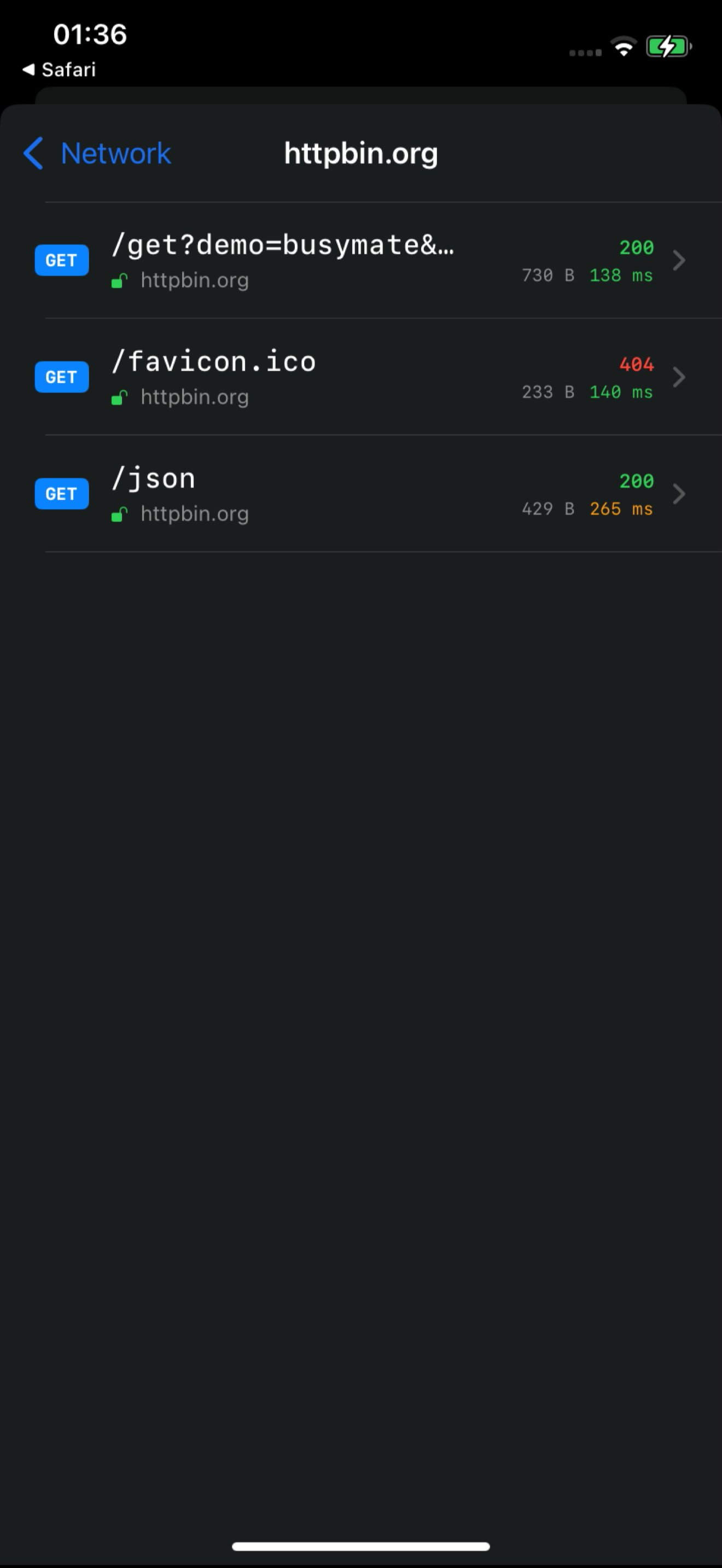
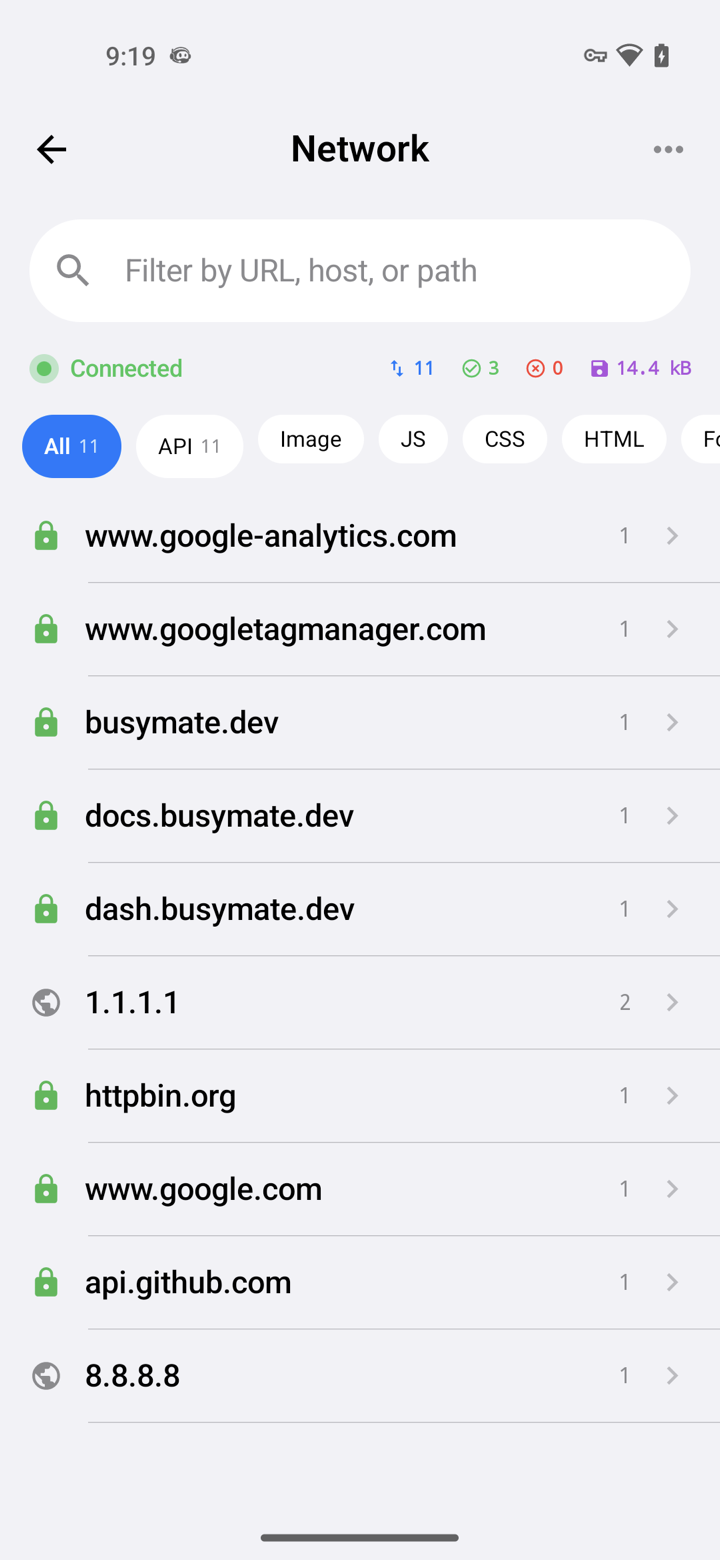
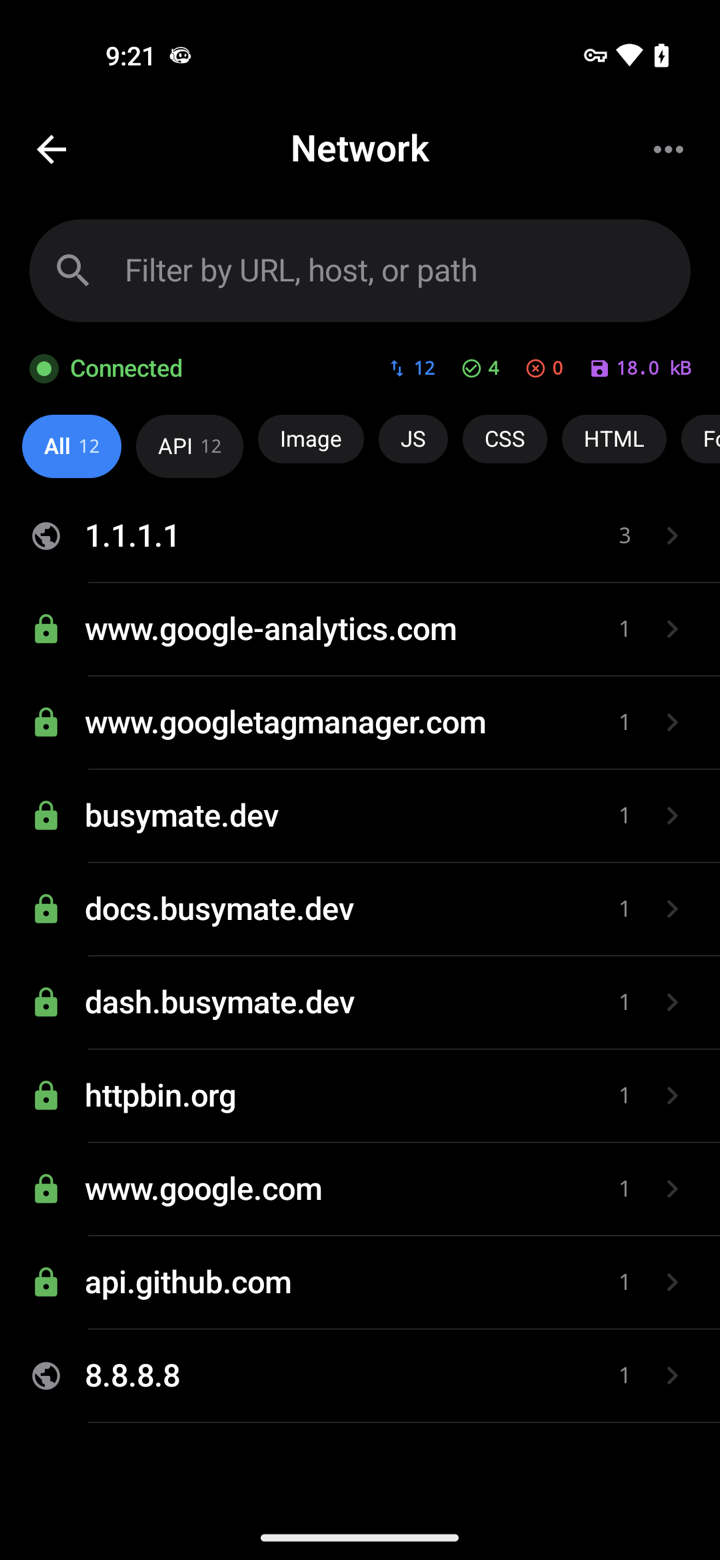
Decrypt only the hosts you pick. No Mac, no cable.
- iOS VPN
- Android TUN
- No desktop required
Don't just watch.
Open a request, pause it, send back a fake response — or hand the same feed to an AI.
- Breakpoints
- Mocks
- JS scripts
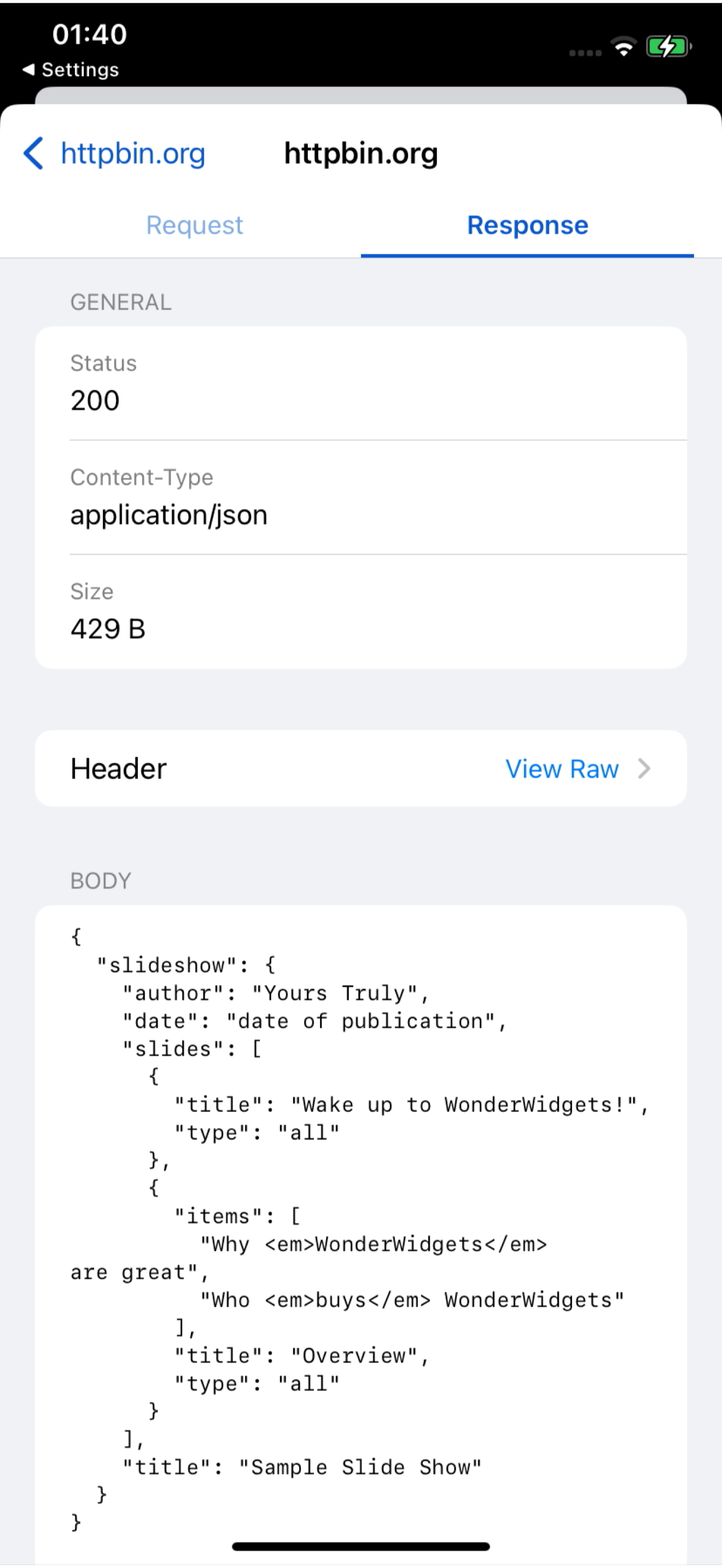
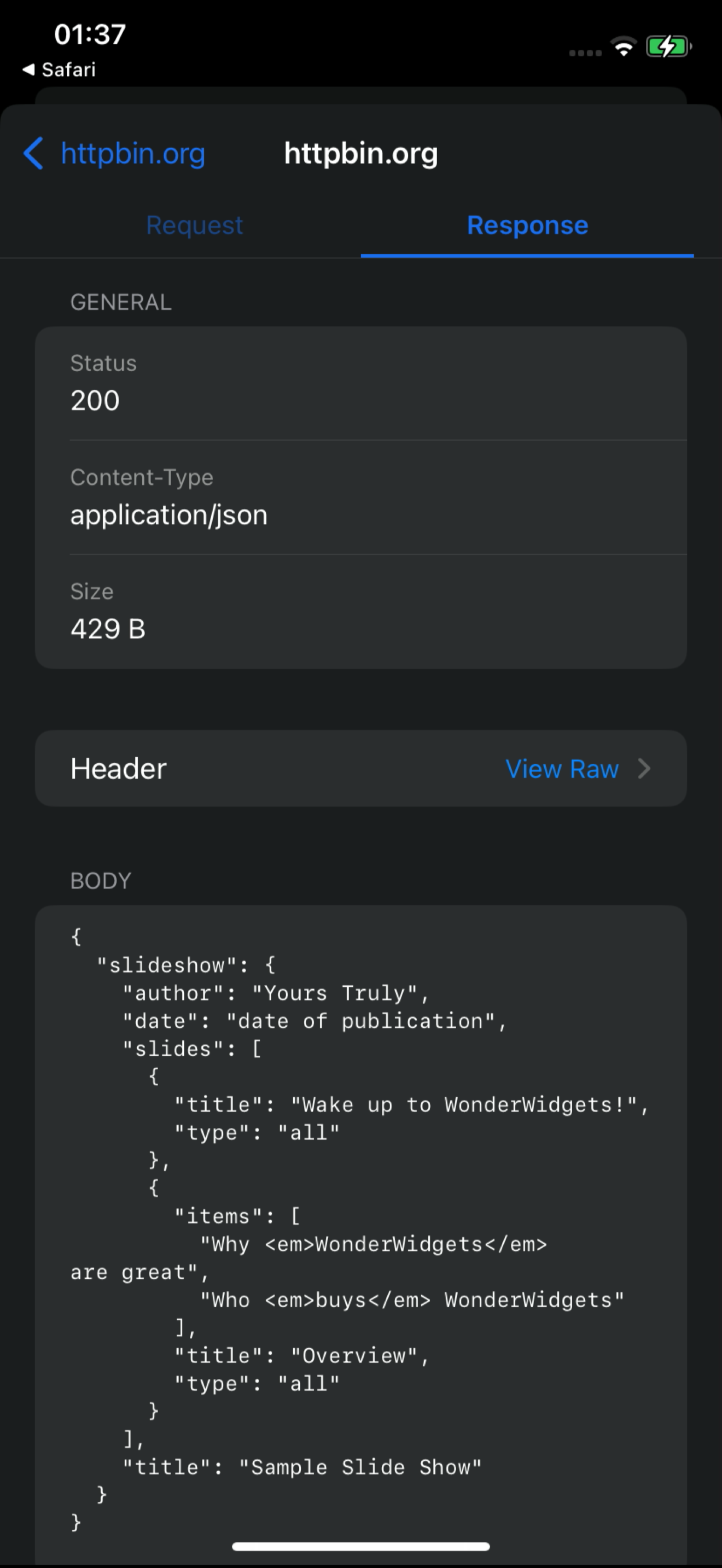
Connect
459 tools over MCP. Your agent inspects the same live feed and drives replay, mocking and device control — destructive actions always ask first.
- OAuth 2.1
- Confirm-gated
- RBAC-scoped
# Claude Code — add the server, then authorize in your browser:
claude mcp add --transport http busymate-devtools https://mcp.busymate.devEvery source.
Phones, Chrome, a proxy, or a rack of devices — they all land in the same live table.
Three steps to
From a phone you own to a dashboard your team — and Claude — can use.
Get iOS or Android, or one command for Chrome.
Pick what to decrypt. Watch requests land live.
Fix a response yourself, or let Claude do it.
Safe on
Share access deliberately, review activity, and keep stored credentials out of the interface.
An AI that remembers your traffic.
Scoped access, an audit trail, and a write-only secrets vault.
Your users sign in with one tap.
Common questions
Can I capture HTTPS on an iPhone without a Mac?
Yes. The iPhone app captures on the phone itself — no Mac, no cable.
How does Android capture work without a Wi-Fi proxy?
The Android app captures on the phone. You can still use a Wi-Fi proxy for other devices if you want.
Can Claude or Cursor read my captured traffic?
Yes. Connect Claude or Cursor — they see the same live feed you do, limited to your role.
Can an AI agent run destructive actions on my devices?
Only if you confirm. Destructive actions ask first, and everything is logged. Secrets cannot be read back.
How is this different from Proxyman, Charles, HTTP Toolkit, or mitmproxy?
These tools offer different local capture, sharing, and automation workflows. Busymate combines a hosted capture feed, role-scoped access, an agent with 459 MCP tools, and real-device control. See the sourced comparisons to choose the right fit.
Is this an LLM observability or tracing platform?
No. It shows the raw HTTPS your apps (and agents) send, so you can inspect and replay. Use it next to a tracing stack, not instead of one.
Capture your first request
Choose your capture source and follow the setup guide. HTTPS decryption requires certificate trust and a supported app.