

Traficul aplicației tale, explicat
Capturează trafic HTTP(S) din iPhone, Android și Chrome. Inspectează cereri, testează răspunsuri și cere AI să ajute la explicarea eșecurilor.
Agent AI BusyBro integratȚine minte.Acționează.Tu păstrezi controlul.
Vezi cum arată
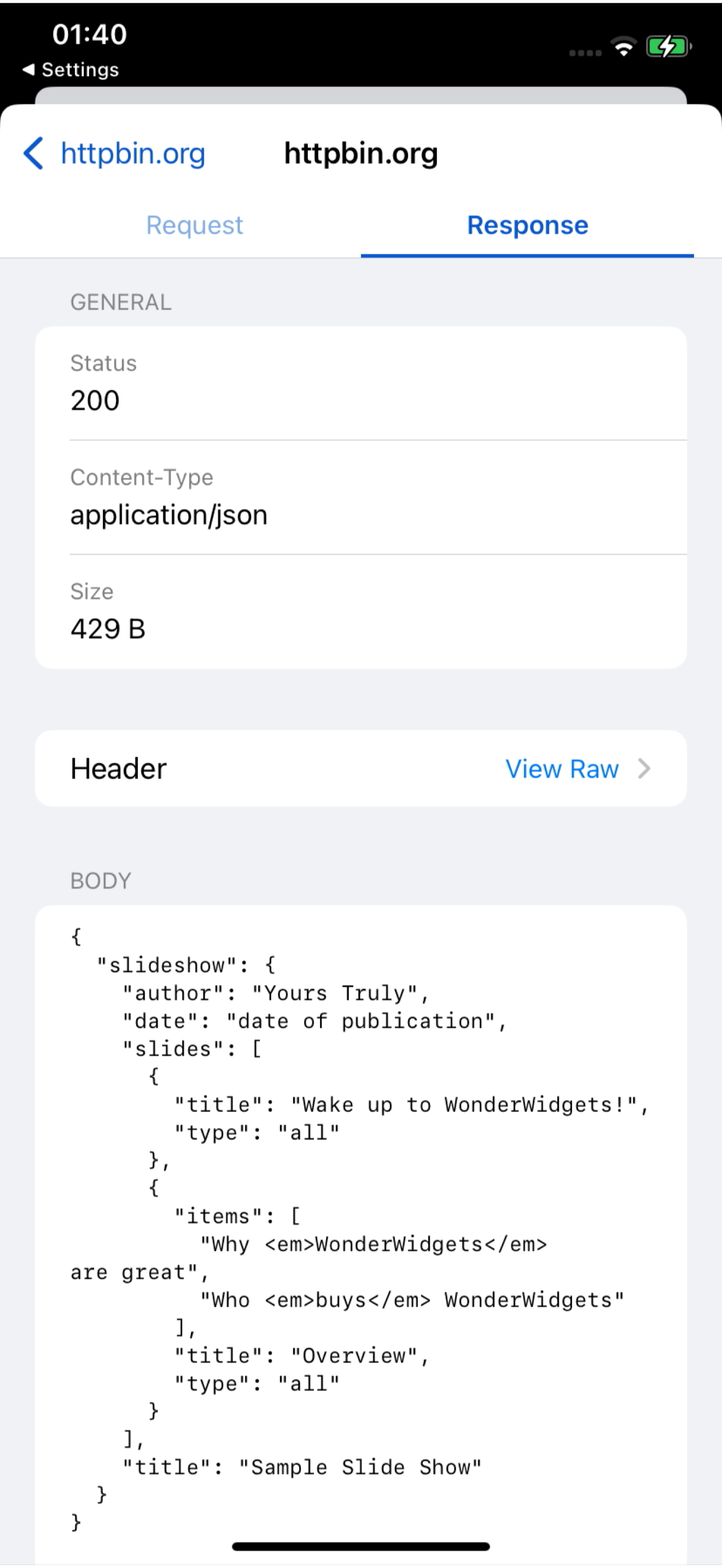
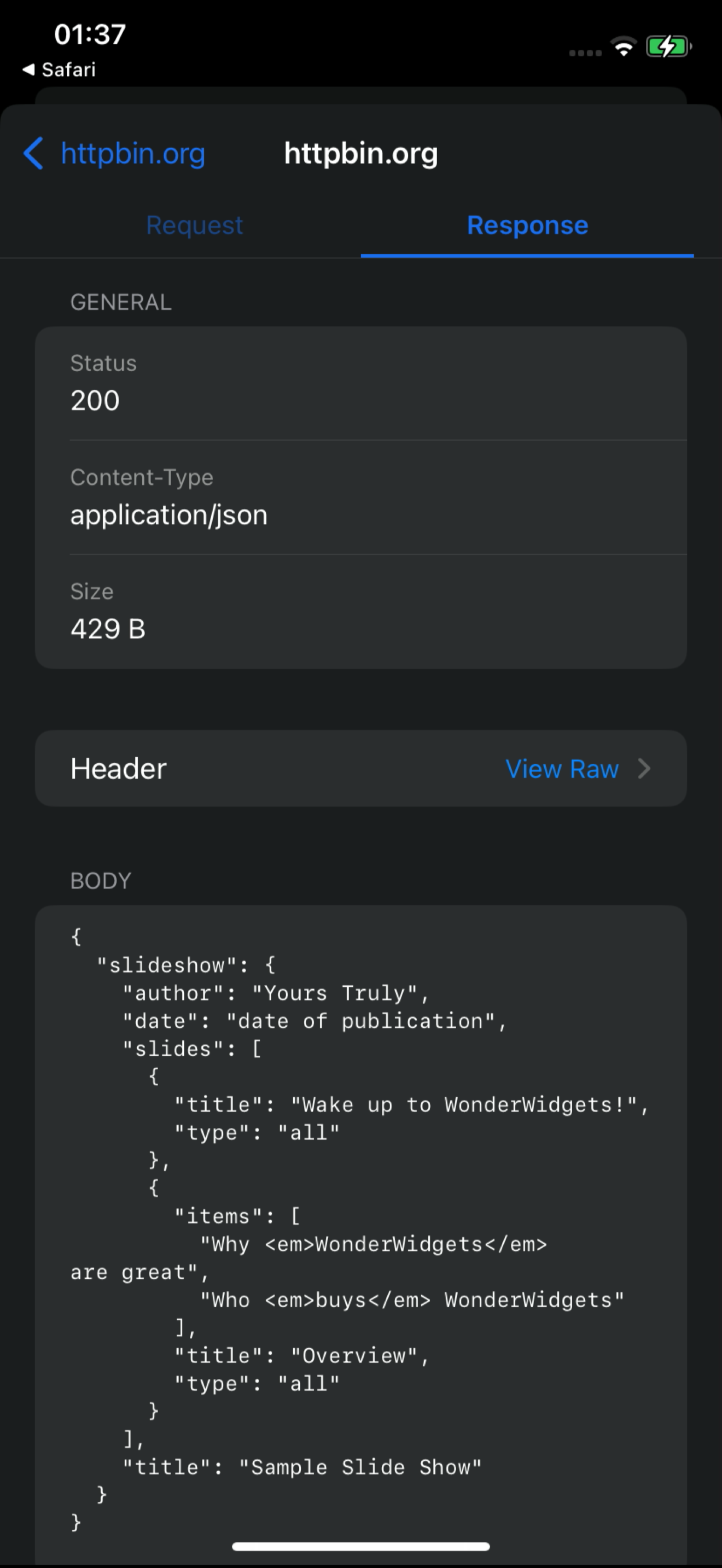
O înregistrare de ecran de 18 secunde a dashboardului live: cereri /v1/charge sosind de pe un iPhone, una deschisă cu cererea și răspunsul ei, apoi BusyBro rugat să o explice. Fără machete — acesta este produsul în funcțiune.
- Înregistrare de ecran reală
- Flux live al dashboardului
- Cu BusyBro inclus
Ask the live feed.
BusyBro citește HTTPS-ul pe care l-ai capturat deja. Întreabă cum se autentifică o aplicație sau de ce a apărut un 500 — numește instrumentele pe care le-a rulat, ascunde secretele și cere confirmare înainte să retrimită ceva.
- Same live feed
- Tools you can see
- Confirm-gated replay
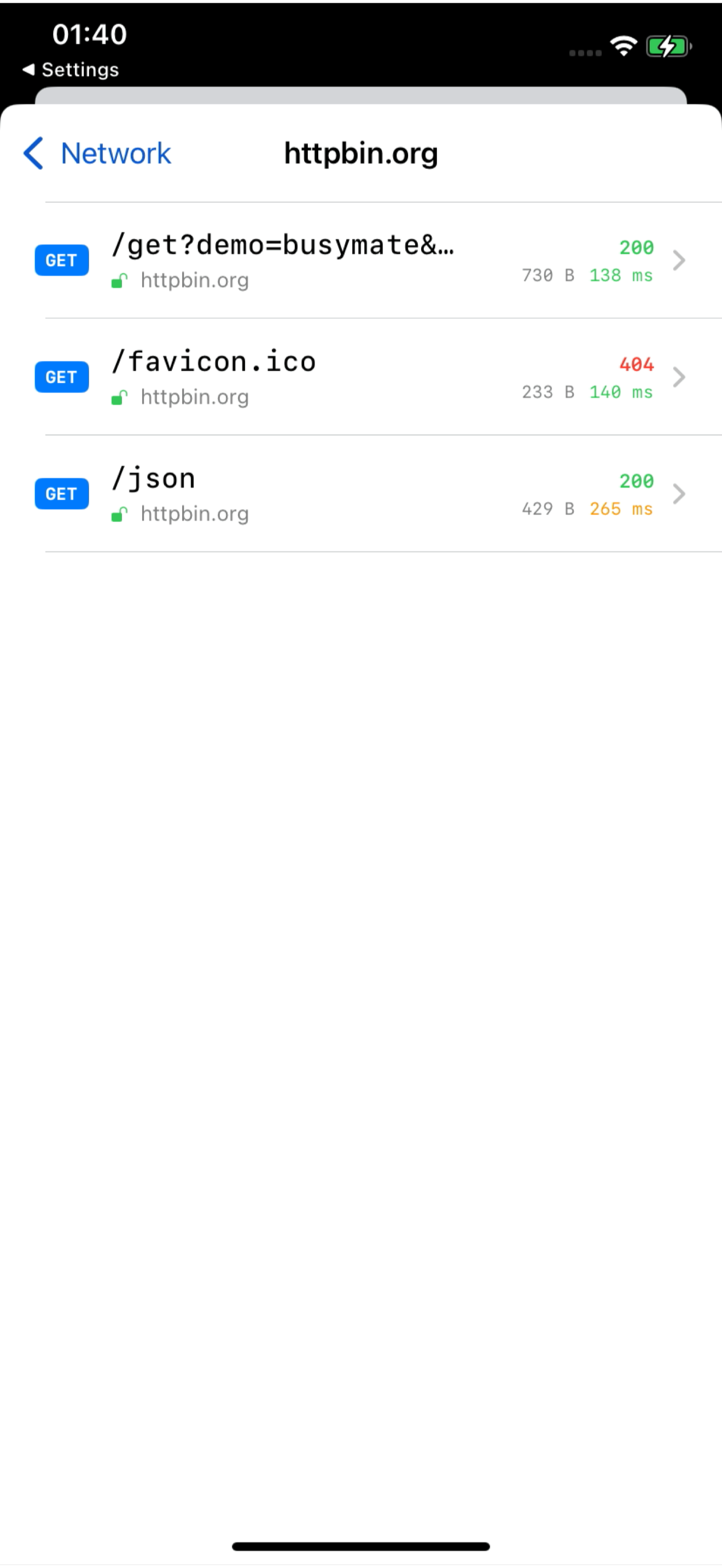
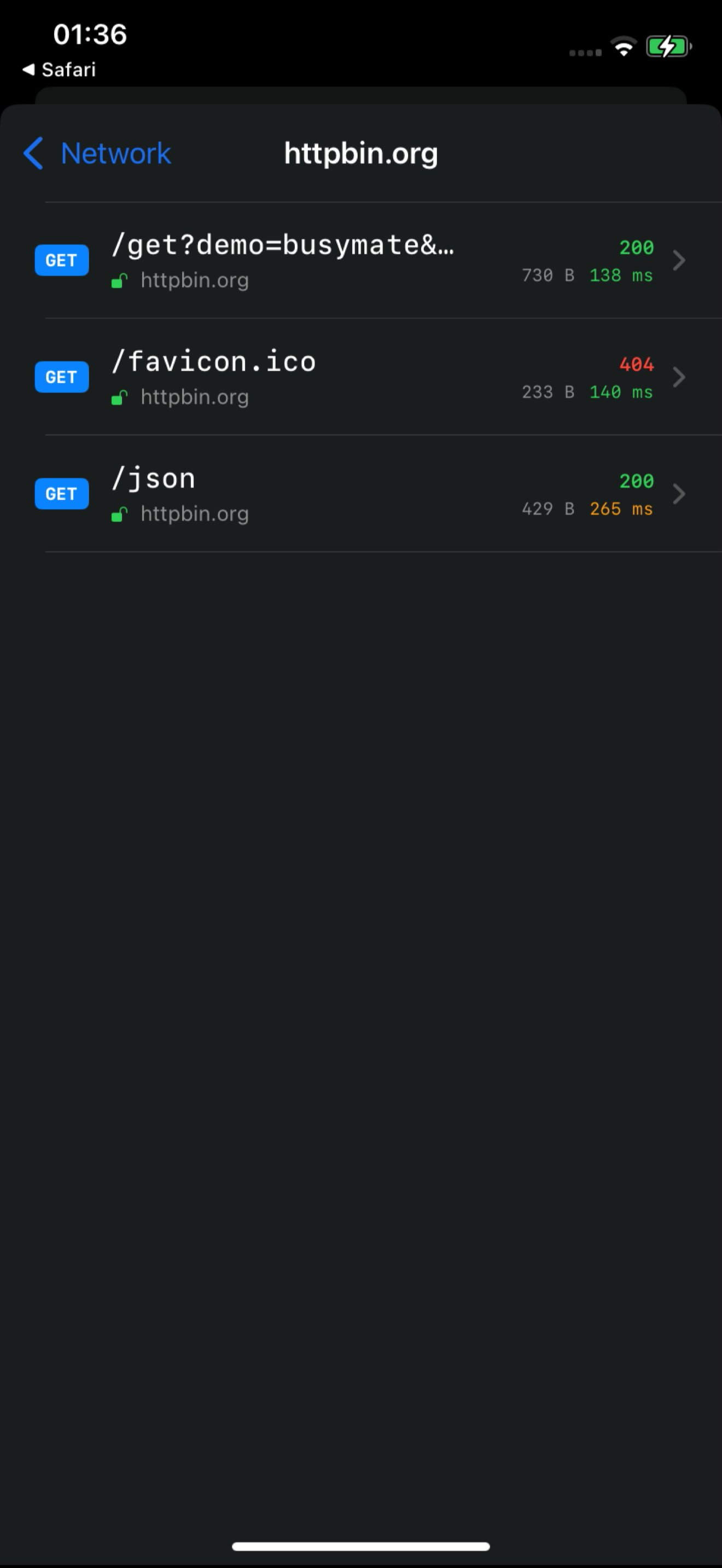
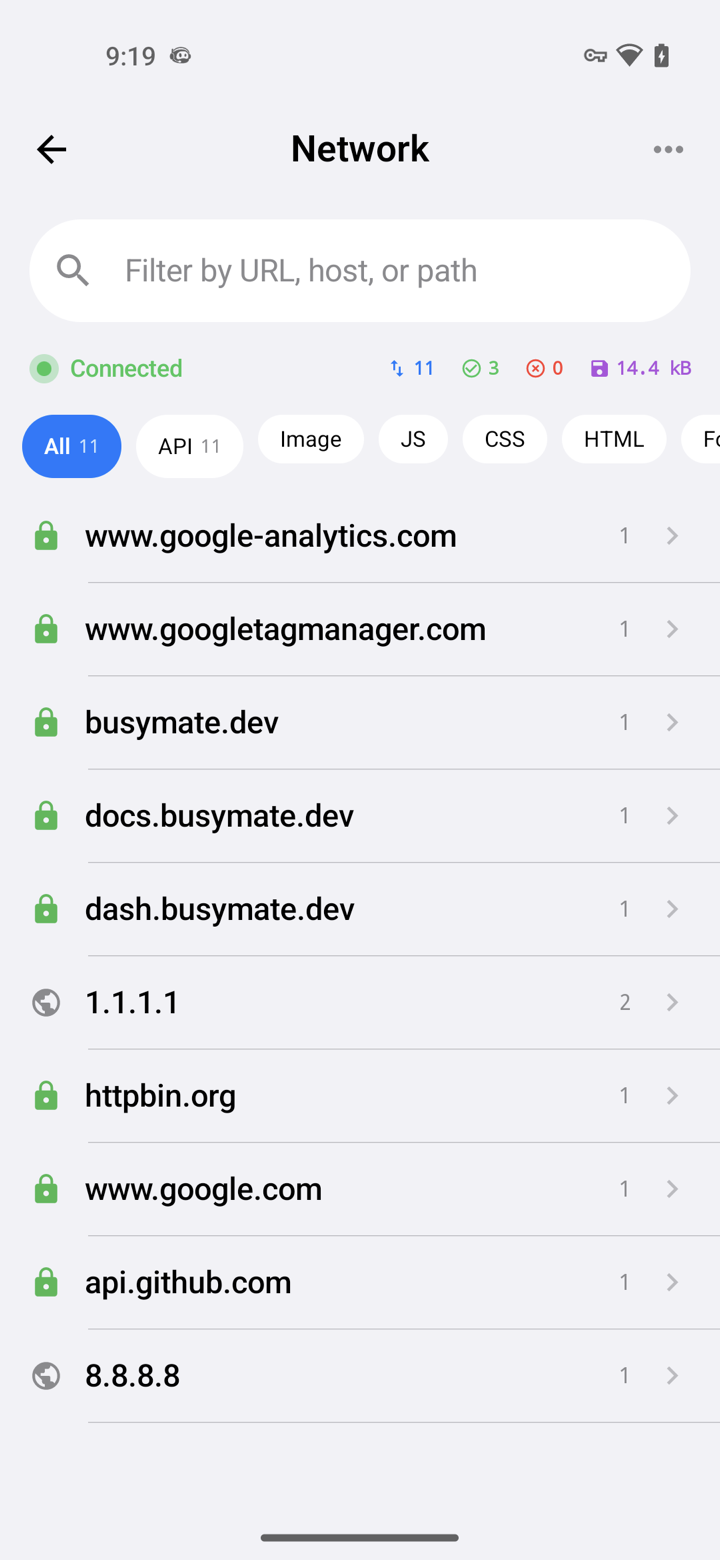
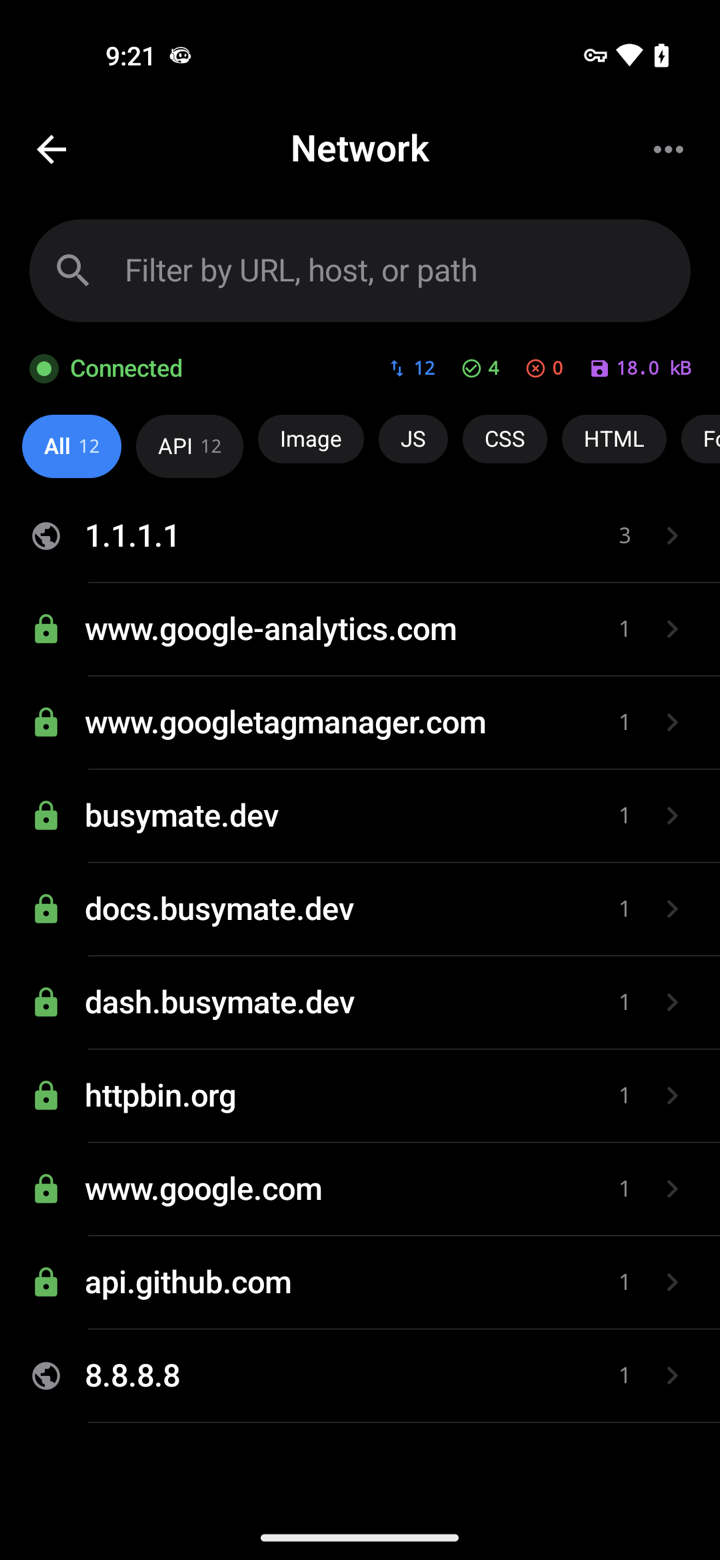
Capture it See it
Decrypt only the hosts you pick. No Mac, no cable.
- iOS VPN
- Android TUN
- No desktop required
Don't just watch.
Open a request, pause it, send back a fake response — or hand the same feed to an AI.
- Breakpoints
- Mocks
- JS scripts
Conectează
459 instrumente prin MCP. Agentul tău inspectează același flux live și controlează replay, mock-uri și dispozitive — acțiunile distructive cer mereu confirmare.
- OAuth 2.1
- Confirm-gated
- RBAC-scoped
# Claude Code — add the server, then authorize in your browser:
claude mcp add --transport http busymate-devtools https://mcp.busymate.devFiecare sursă.
Telefoane, Chrome, un proxy sau un rack de dispozitive — totul ajunge în același tabel live.
Three steps to
From a phone you own to a dashboard your team — and Claude — can use.
Descarcă aplicația pentru iOS sau Android ori folosește o comandă pentru Chrome.
Alege ce să decriptezi. Urmărește cererile în timp real.
Corectează singur un răspuns sau roagă-l pe Claude.
În siguranță pe
Partajează accesul deliberat, revizuiește activitatea și ține credențialele stocate departe de interfață.
Un AI care îți ține minte traficul.
Acces cu domeniu, audit trail și seif de secrete doar-scriere.
Utilizatorii tăi se autentifică într-un tap.
Common questions
Can I capture HTTPS on an iPhone without a Mac?
Yes. The iPhone app captures on the phone itself — no Mac, no cable.
How does Android capture work without a Wi-Fi proxy?
The Android app captures on the phone. You can still use a Wi-Fi proxy for other devices if you want.
Can Claude or Cursor read my captured traffic?
Yes. Connect Claude or Cursor — they see the same live feed you do, limited to your role.
Can an AI agent run destructive actions on my devices?
Only if you confirm. Destructive actions ask first, and everything is logged. Secrets cannot be read back.
Prin ce diferă de Proxyman, Charles, HTTP Toolkit sau mitmproxy?
Aceste instrumente oferă fluxuri diferite de captură locală, partajare și automatizare. Busymate combină un feed de captură hosted, acces cu domeniu de rol, un agent cu 459 instrumente MCP și control dispozitiv real. Vezi comparațiile cu surse pentru a alege cea potrivită.
Is this an LLM observability or tracing platform?
No. It shows the raw HTTPS your apps (and agents) send, so you can inspect and replay. Use it next to a tracing stack, not instead of one.
Capturează prima cerere
Alege sursa de captură și urmărește ghidul de configurare. Decriptarea HTTPS necesită încredere în certificat și o aplicație suportată.