

앱 트래픽을 명확하게 이해하세요
iPhone, Android, Chrome에서 HTTP(S) 트래픽을 캡처합니다. 요청을 검사하고, 응답을 테스트하고, AI에게 오류 설명을 도움받으세요.
BusyBro AI 에이전트 내장기억합니다.행동합니다.통제권은 당신에게 있습니다.
실제 모습을
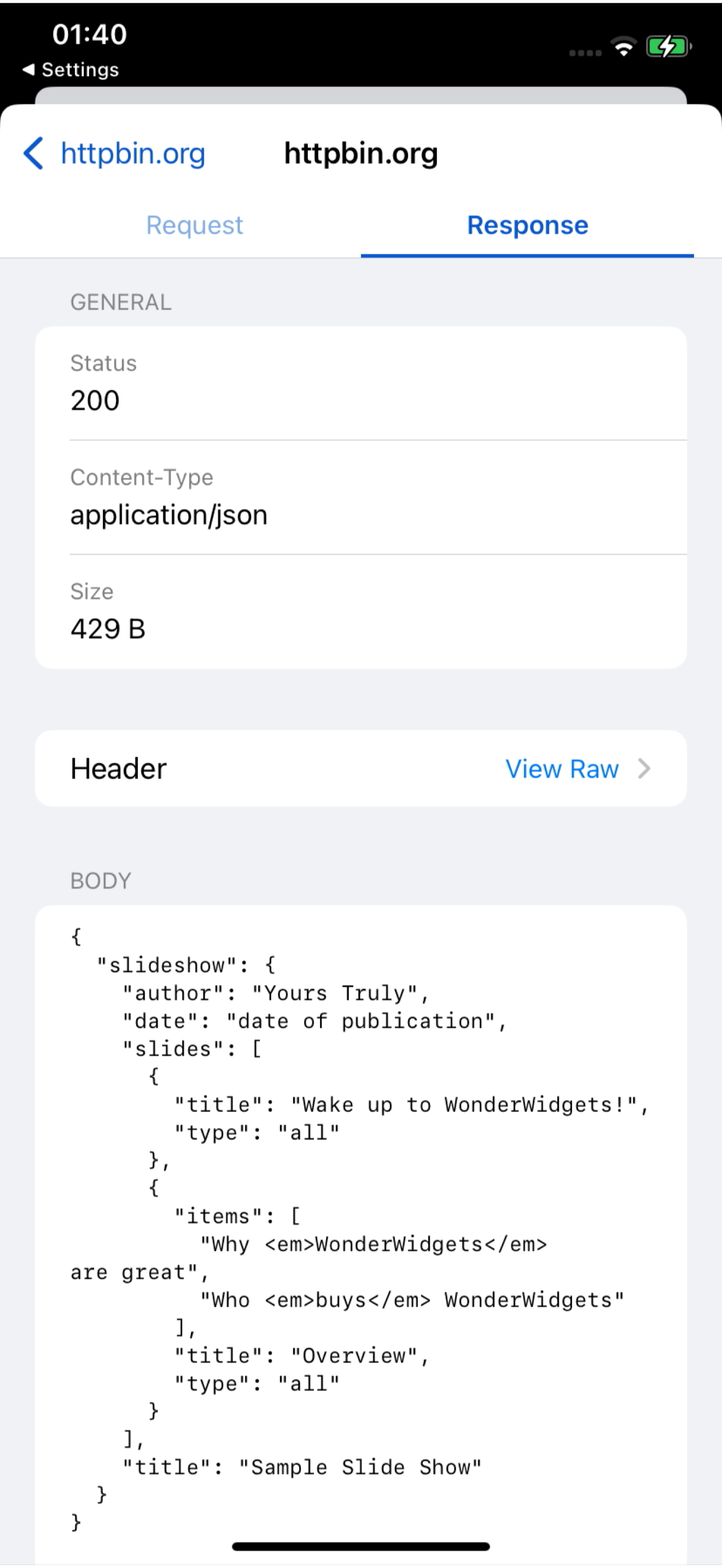
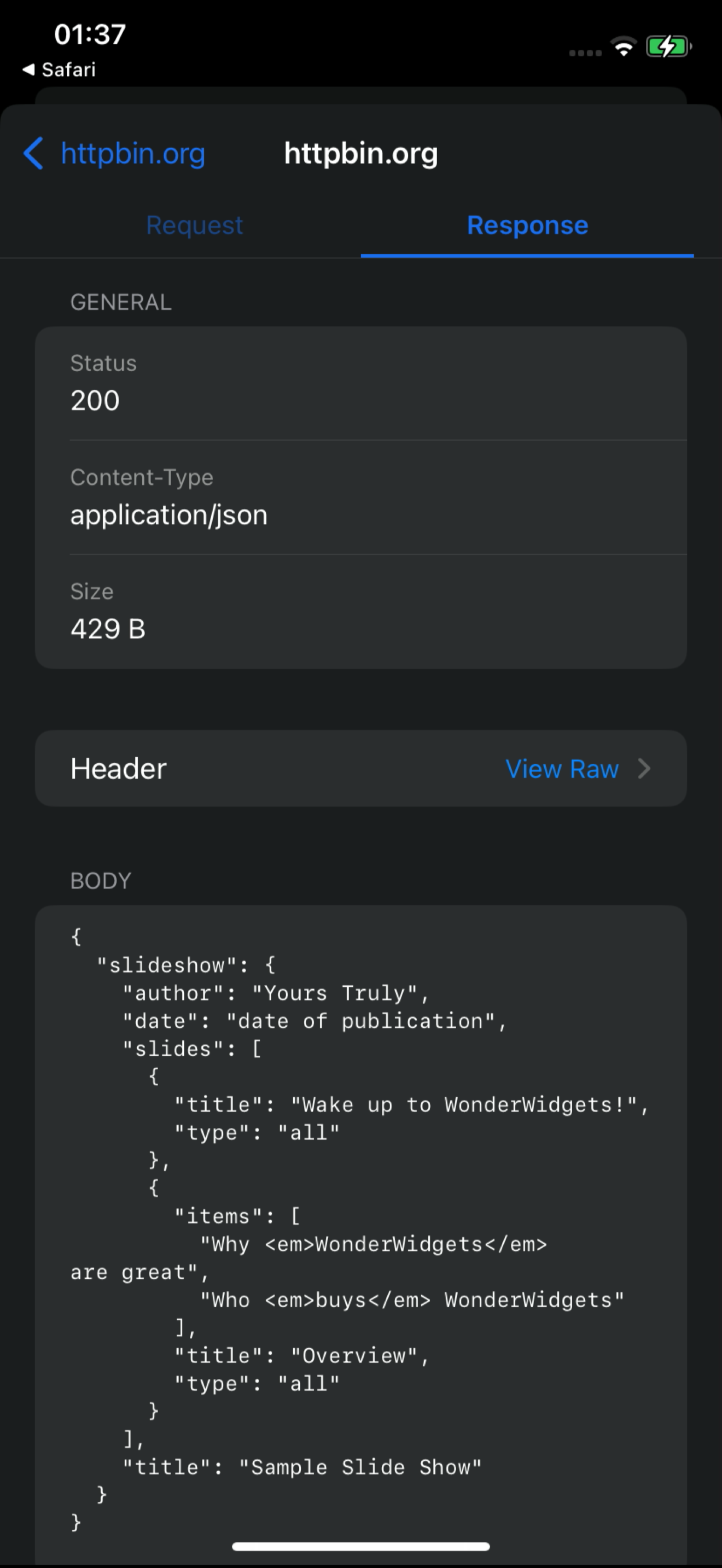
라이브 대시보드의 18초 화면 녹화입니다. iPhone에서 들어오는 /v1/charge 요청, 그중 하나를 열어 요청과 응답을 확인한 뒤 BusyBro에게 설명을 요청합니다. 목업 없이 — 실제로 동작하는 제품 그대로입니다.
- 실제 화면 녹화
- 라이브 대시보드 피드
- BusyBro 포함
Ask the live feed.
BusyBro는 이미 캡처한 HTTPS를 읽습니다. 앱이 어떻게 로그인하는지, 500이 왜 발생했는지 물어보세요 — 실행한 도구를 밝히고, 시크릿을 가리고, 재전송 전에 먼저 확인을 요청합니다.
- Same live feed
- Tools you can see
- Confirm-gated replay
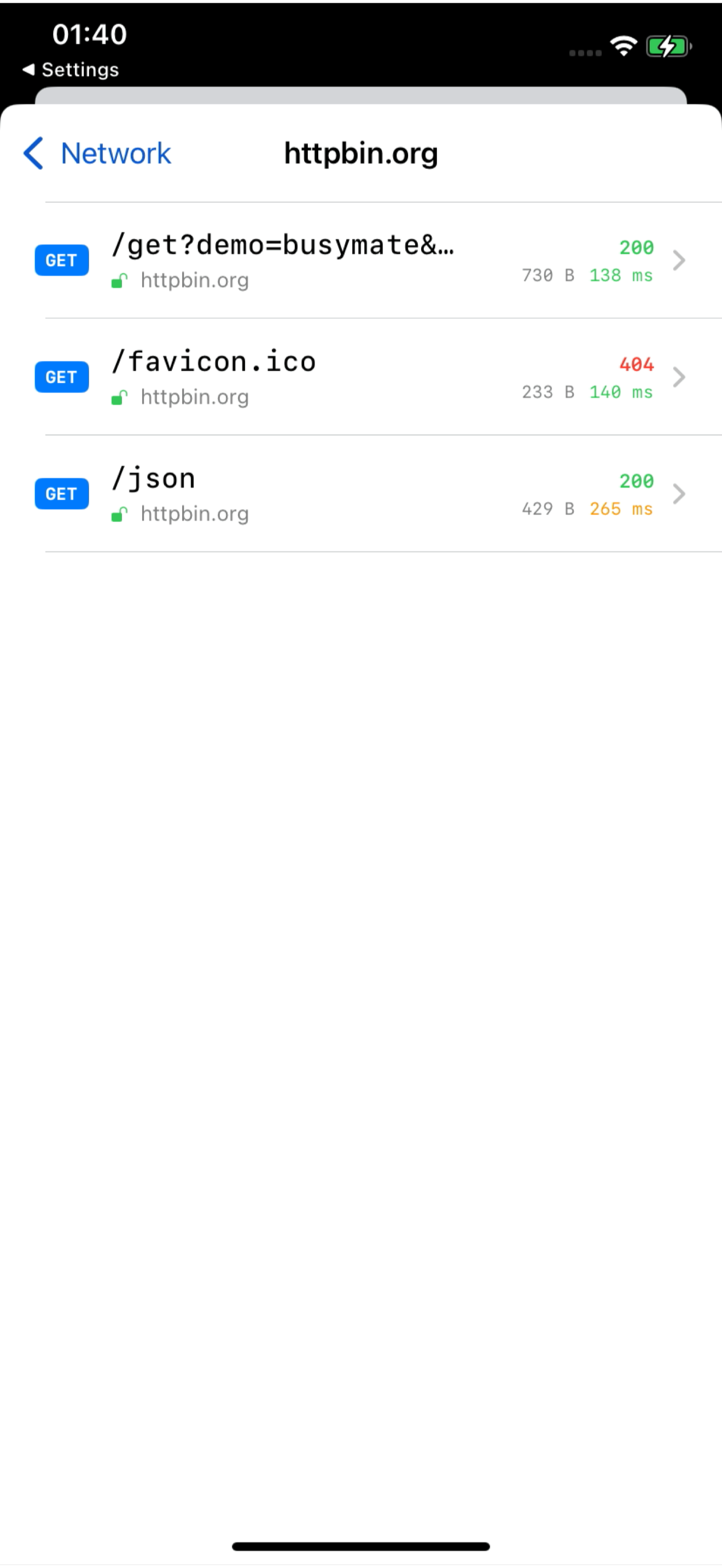
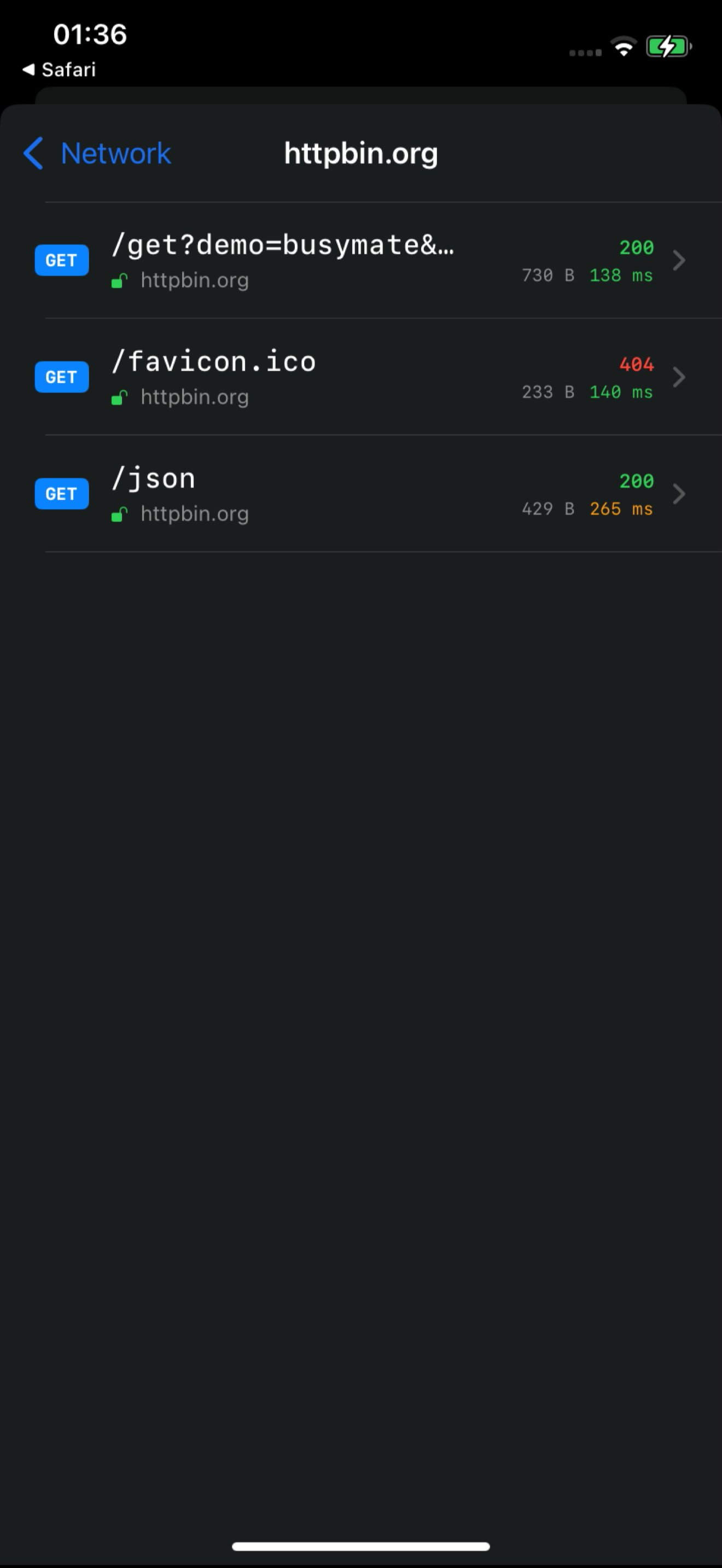
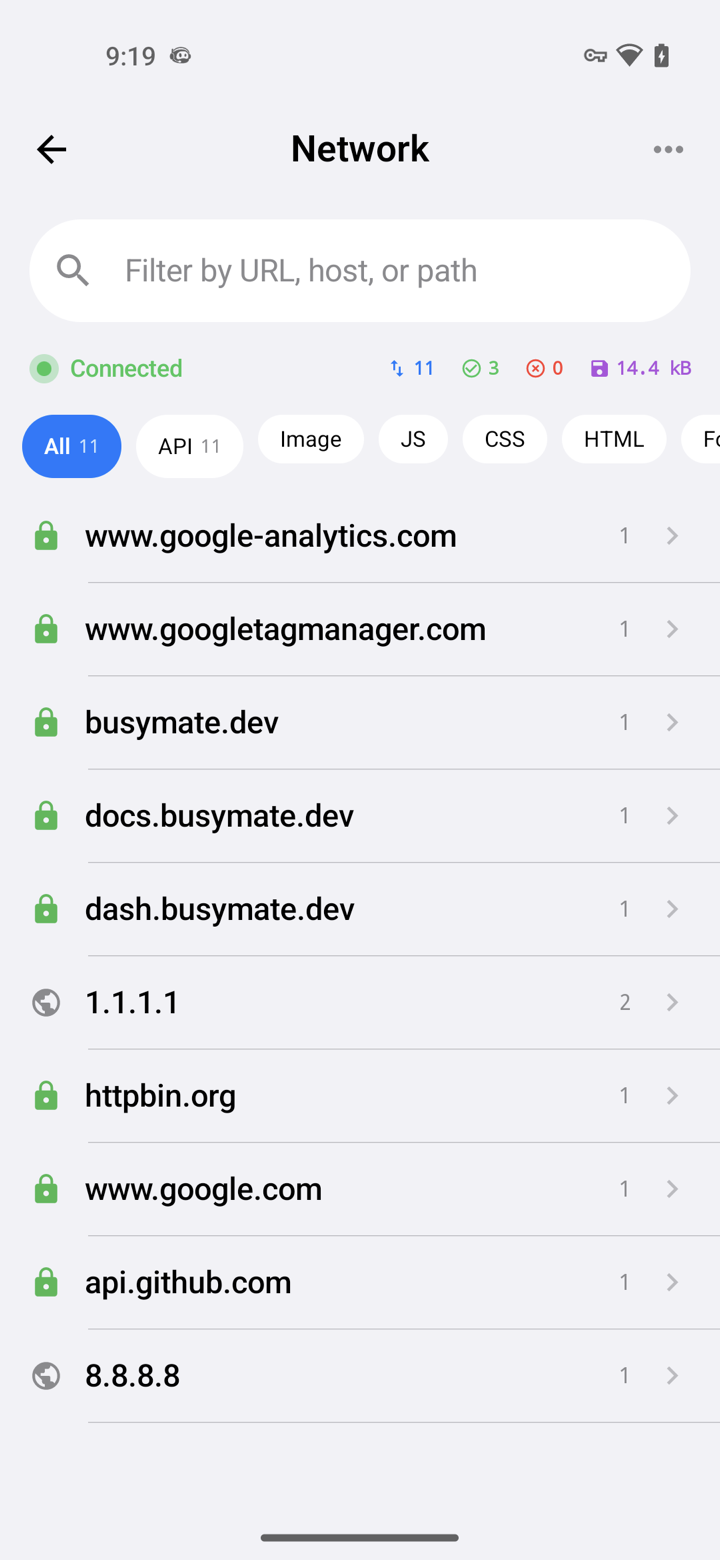
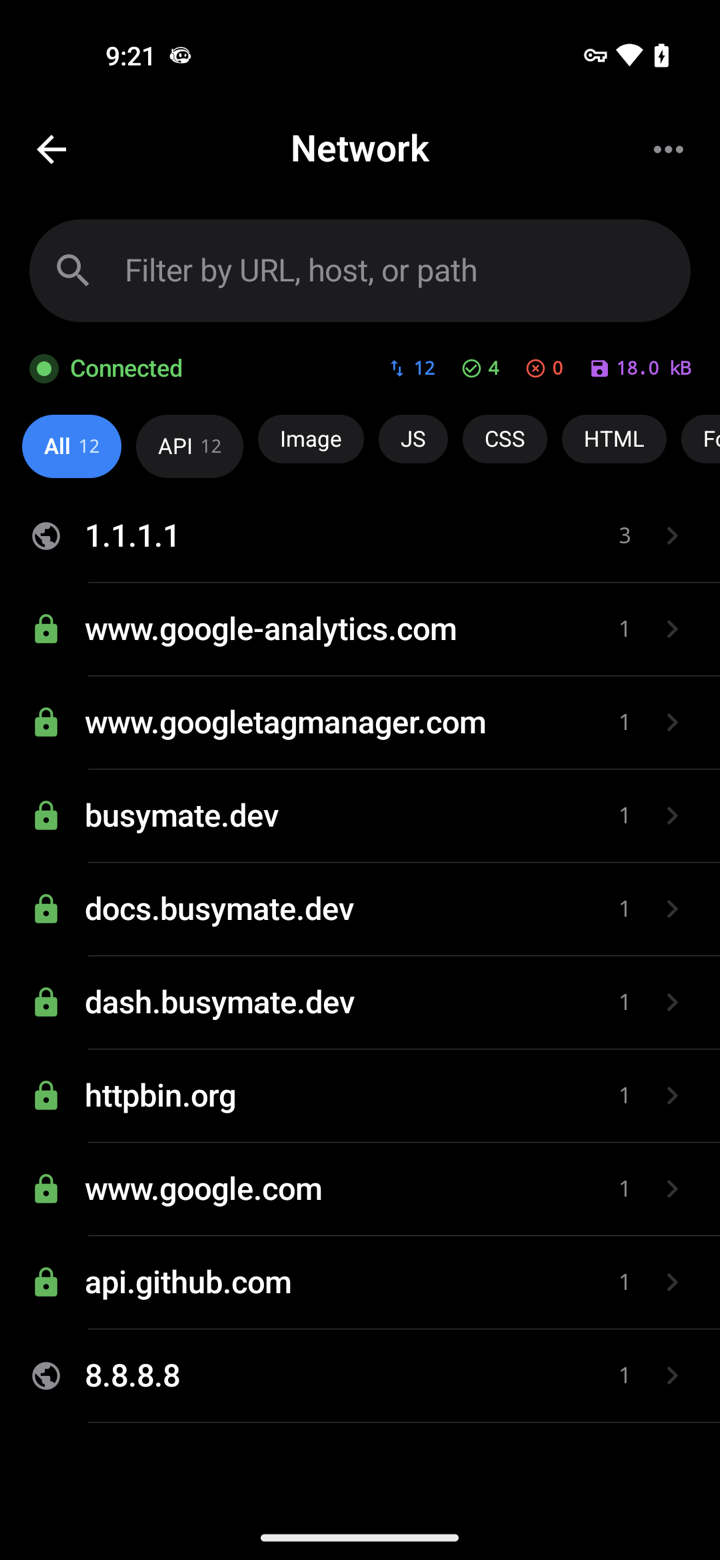
Capture it See it
Decrypt only the hosts you pick. No Mac, no cable.
- iOS VPN
- Android TUN
- No desktop required
Don't just watch.
Open a request, pause it, send back a fake response — or hand the same feed to an AI.
- Breakpoints
- Mocks
- JS scripts
이미 쓰는
MCP로 제공되는 459개 도구. 내 에이전트가 동일한 라이브 피드를 살펴보고 재전송, 모킹, 기기 제어를 수행합니다 — 파괴적인 작업은 항상 먼저 확인을 요청합니다.
- OAuth 2.1
- Confirm-gated
- RBAC-scoped
# Claude Code — add the server, then authorize in your browser:
claude mcp add --transport http busymate-devtools https://mcp.busymate.dev모든 소스.
휴대폰, Chrome, 프록시, 기기 랙까지 — 모두 같은 라이브 테이블에 도착합니다.
Three steps to
From a phone you own to a dashboard your team — and Claude — can use.
실제 트래픽에서도
의도적으로 액세스를 공유하고, 활동을 검토하고, 저장된 자격증명을 인터페이스에서 제외하세요.
Common questions
Can I capture HTTPS on an iPhone without a Mac?
Yes. The iPhone app captures on the phone itself — no Mac, no cable.
How does Android capture work without a Wi-Fi proxy?
The Android app captures on the phone. You can still use a Wi-Fi proxy for other devices if you want.
Can Claude or Cursor read my captured traffic?
Yes. Connect Claude or Cursor — they see the same live feed you do, limited to your role.
Can an AI agent run destructive actions on my devices?
Only if you confirm. Destructive actions ask first, and everything is logged. Secrets cannot be read back.
Proxyman, Charles, HTTP Toolkit, mitmproxy와는 무엇이 다른가요?
이 도구들은 서로 다른 로컬 캡처, 공유, 자동화 워크플로우를 제공합니다. Busymate는 호스팅 캡처 피드, 역할별 접근 제어, 459개 MCP 도구를 갖춘 에이전트, 실제 기기 제어를 결합합니다. 소스별 비교를 확인해 적합한 도구를 선택하세요.
Is this an LLM observability or tracing platform?
No. It shows the raw HTTPS your apps (and agents) send, so you can inspect and replay. Use it next to a tracing stack, not instead of one.
첫 요청 캡처
캡처 소스를 선택하고 설정 가이드를 따르세요. HTTPS 복호화는 인증서 신뢰와 지원되는 앱이 필요합니다.