

アプリの通信をわかりやすく
iPhone、Android、Chrome から HTTP(S) トラフィックをキャプチャ。リクエストを検査し、レスポンスをテストし、AI に失敗の説明を手伝わせます。
BusyBro AIエージェント内蔵覚えている。動いてくれる。主導権はあなたに。
実際の姿を
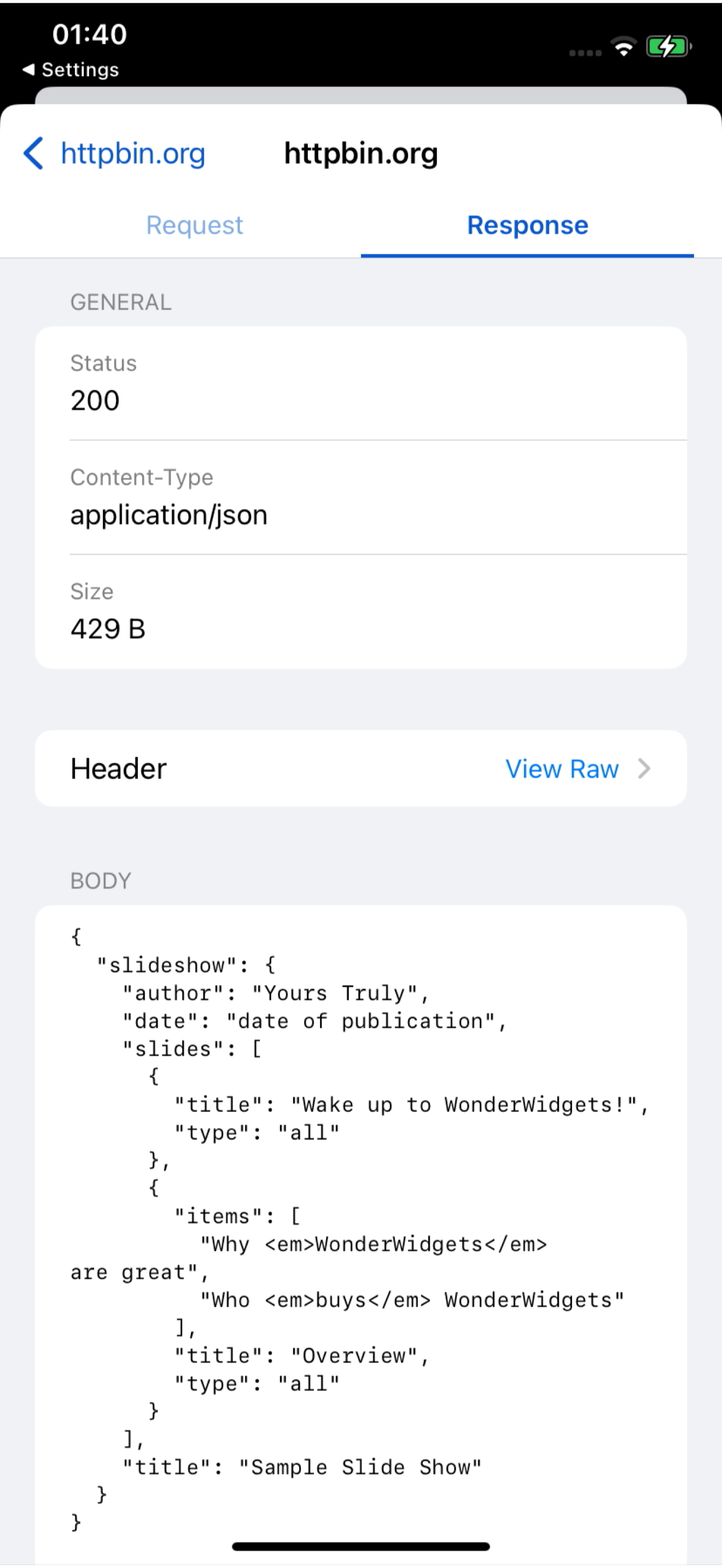
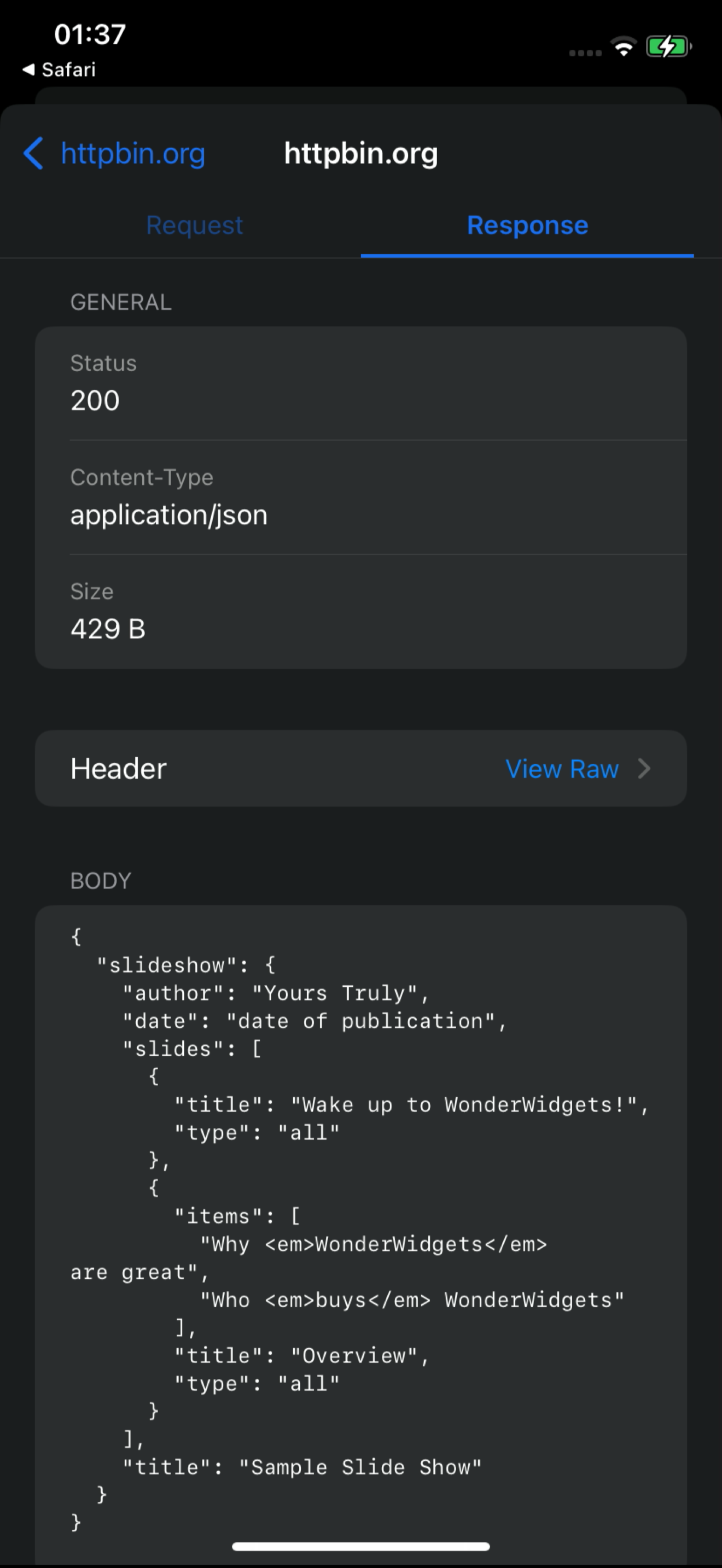
ライブダッシュボードの 18 秒スクリーン録画。iPhone から届く /v1/charge リクエスト、その 1 件を開いてリクエストとレスポンスを確認し、BusyBro に解説を依頼するまで。モックアップは一切なし — 実際に動いている製品そのものです。
- 実際のスクリーン録画
- ライブダッシュボードのフィード
- BusyBro 付き
Ask the live feed.
BusyBro はキャプチャ済みの HTTPS を読み取ります。アプリのログイン方法や 500 の原因を尋ねると、実行したツールを明示し、シークレットを伏せ、リプレイの前に必ず確認します。
- Same live feed
- Tools you can see
- Confirm-gated replay
Capture it See it
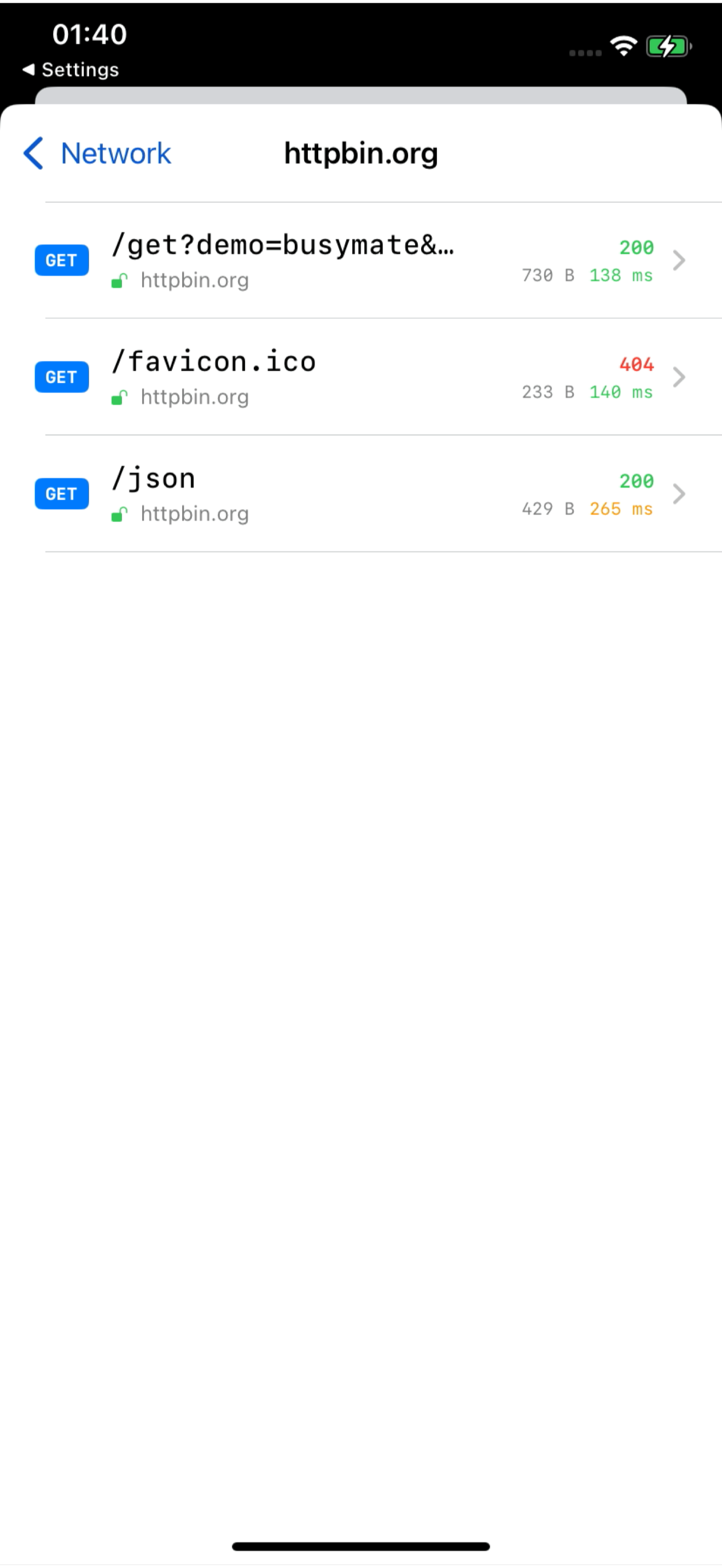
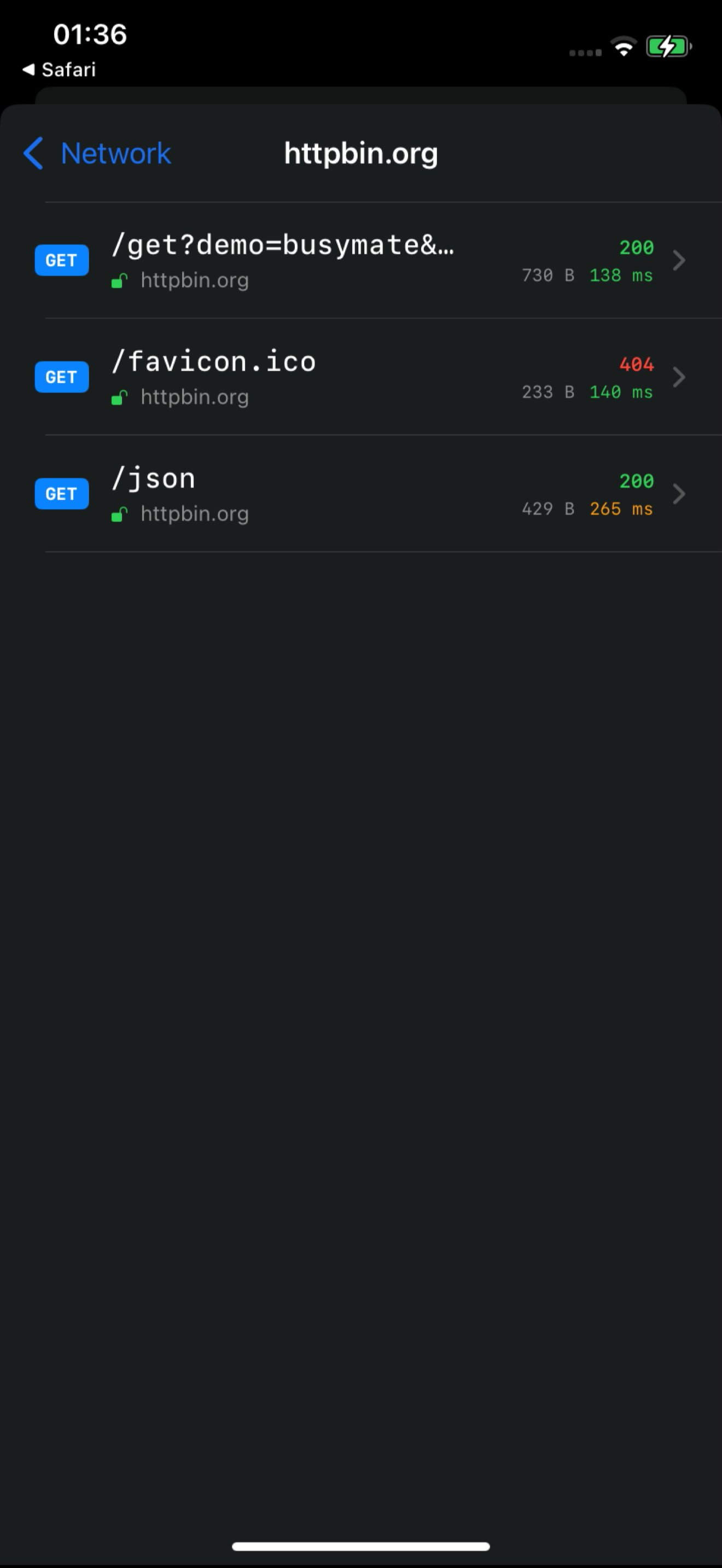
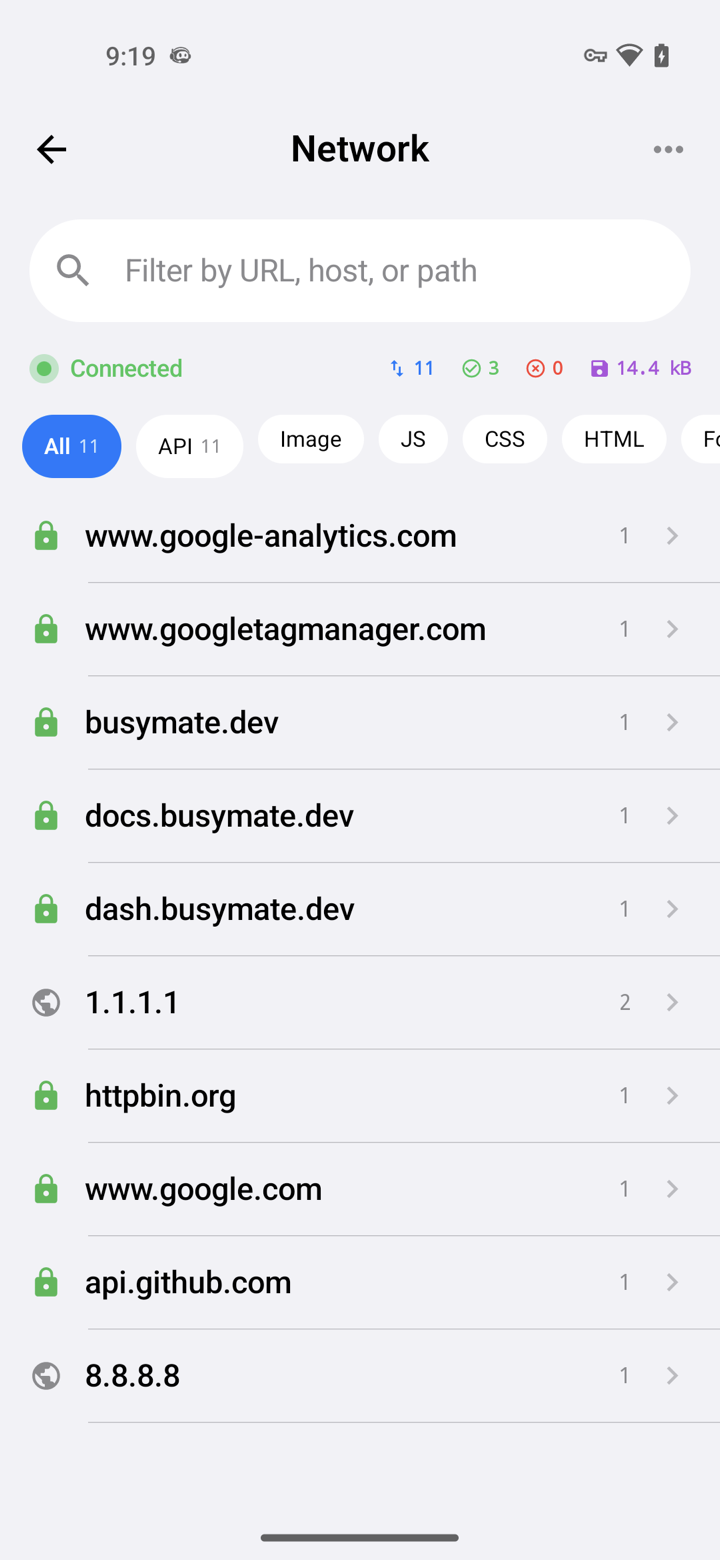
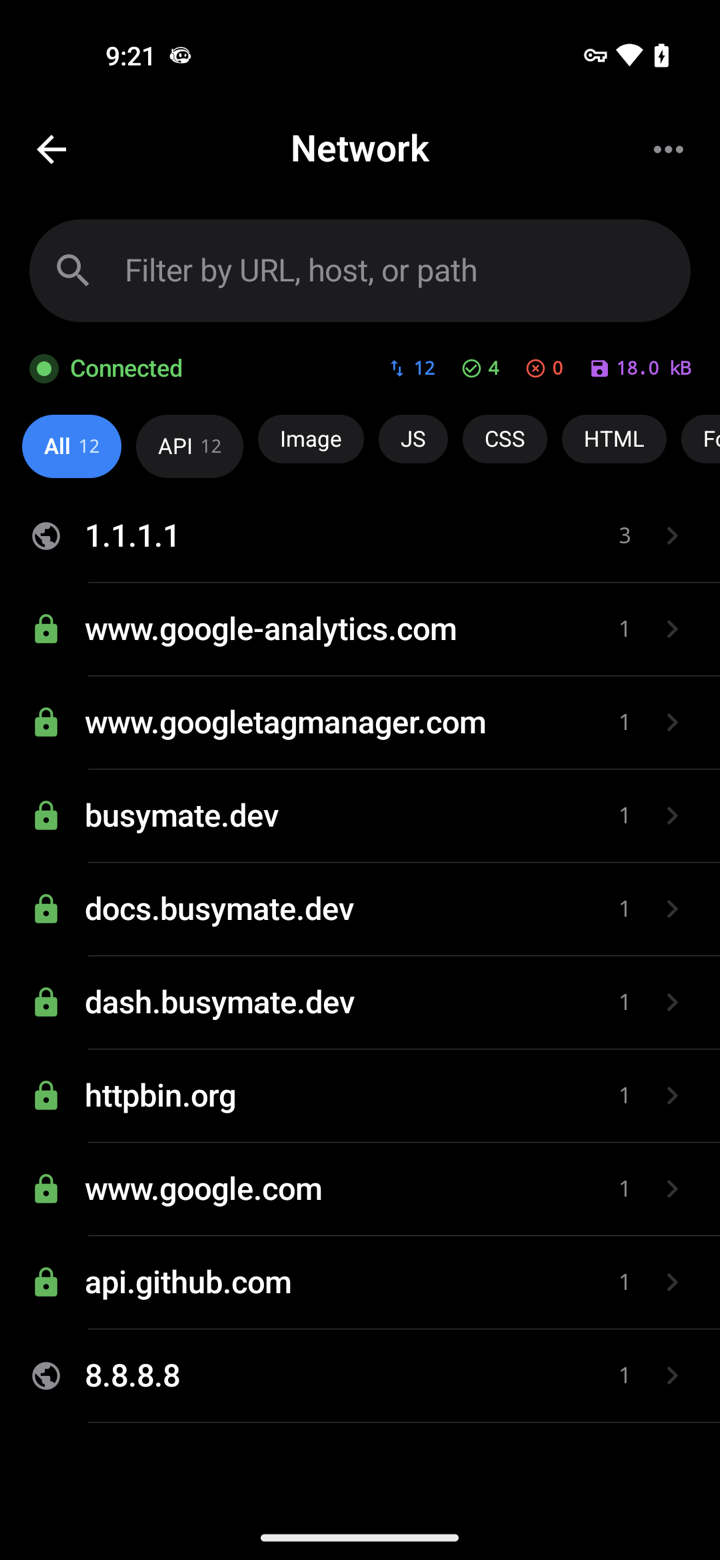
Decrypt only the hosts you pick. No Mac, no cable.
- iOS VPN
- Android TUN
- No desktop required
Don't just watch.
Open a request, pause it, send back a fake response — or hand the same feed to an AI.
- Breakpoints
- Mocks
- JS scripts
使い慣れた
MCP 経由の 459 ツール。あなたのエージェントが同じライブフィードを調べ、リプレイ・モック・デバイス操作を実行します。破壊的な操作は必ず事前に確認します。
- OAuth 2.1
- Confirm-gated
- RBAC-scoped
# Claude Code — add the server, then authorize in your browser:
claude mcp add --transport http busymate-devtools https://mcp.busymate.devあらゆるソース。
スマホ、Chrome、プロキシ、デバイスラック——すべて同じライブテーブルに届きます。
Three steps to
From a phone you own to a dashboard your team — and Claude — can use.
iOS・Android アプリを入手するか、Chrome をコマンド1つで接続します。
復号する通信を選び、リクエストをリアルタイムで確認します。
レスポンスを自分で修正するか、Claude に依頼します。
本番トラフィックでも
意図的にアクセスを共有し、アクティビティを確認し、保存された認証情報をインターフェースから除外します。
Common questions
Can I capture HTTPS on an iPhone without a Mac?
Yes. The iPhone app captures on the phone itself — no Mac, no cable.
How does Android capture work without a Wi-Fi proxy?
The Android app captures on the phone. You can still use a Wi-Fi proxy for other devices if you want.
Can Claude or Cursor read my captured traffic?
Yes. Connect Claude or Cursor — they see the same live feed you do, limited to your role.
Can an AI agent run destructive actions on my devices?
Only if you confirm. Destructive actions ask first, and everything is logged. Secrets cannot be read back.
Proxyman、Charles、HTTP Toolkit、mitmproxy と何が違いますか?
これらのツールはそれぞれ異なるローカルキャプチャ、共有、自動化ワークフローを提供します。Busymate はホストされたキャプチャフィード、ロールスコープのアクセス、459 MCP ツール搭載のエージェント、実機制御を組み合わせています。ソース付き比較を参照して、最適なものを選んでください。
Is this an LLM observability or tracing platform?
No. It shows the raw HTTPS your apps (and agents) send, so you can inspect and replay. Use it next to a tracing stack, not instead of one.
最初のリクエストをキャプチャ
キャプチャソースを選択してセットアップガイドに従ってください。HTTPS 復号化には証明書の信頼とサポート対象アプリが必要です。