

Il traffico della tua app, spiegato
Cattura il traffico HTTP(S) da iPhone, Android e Chrome. Ispeziona le richieste, testa le risposte e chiedi all'IA di aiutarti a spiegare i fallimenti.
Agente IA BusyBro integratoRicorda.Agisce.Il controllo resta a te.
Guardalo
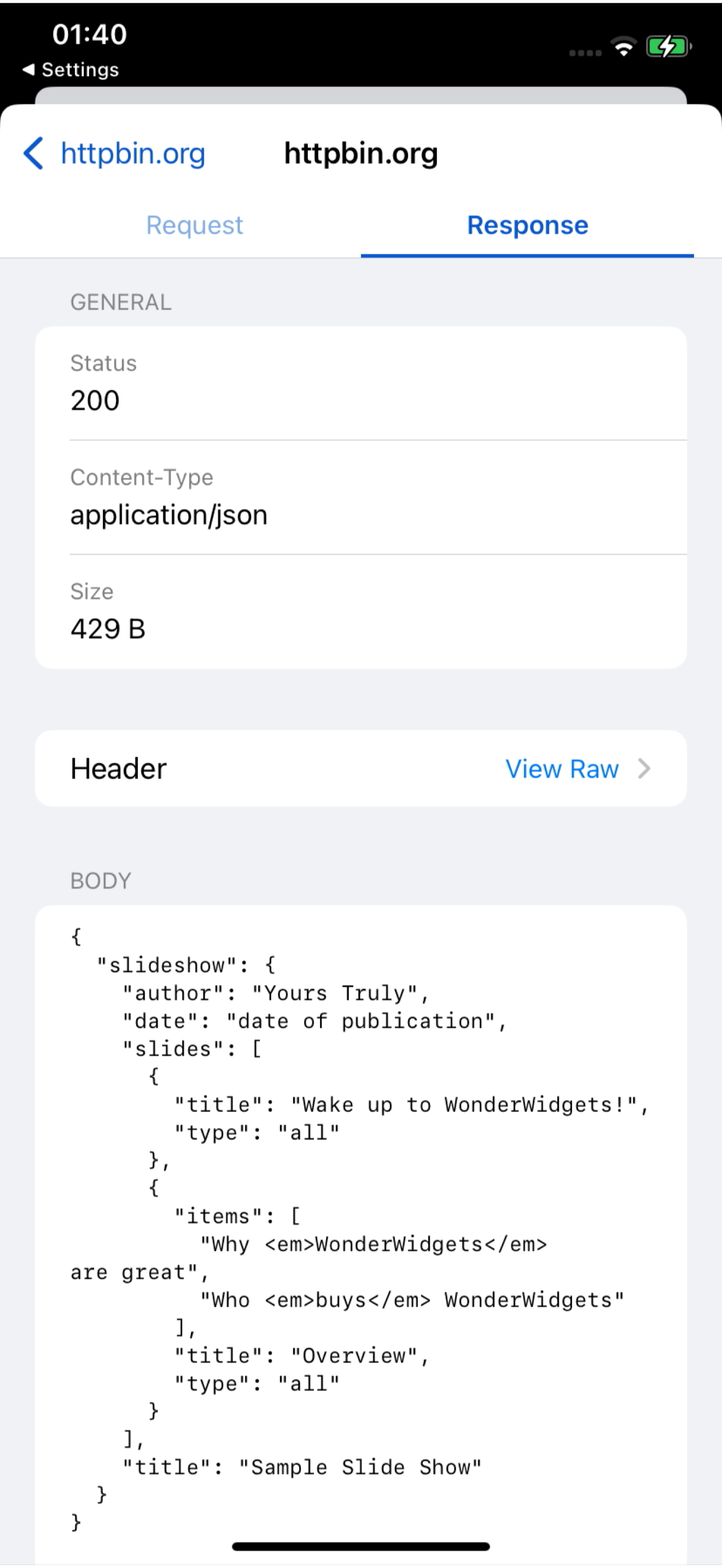
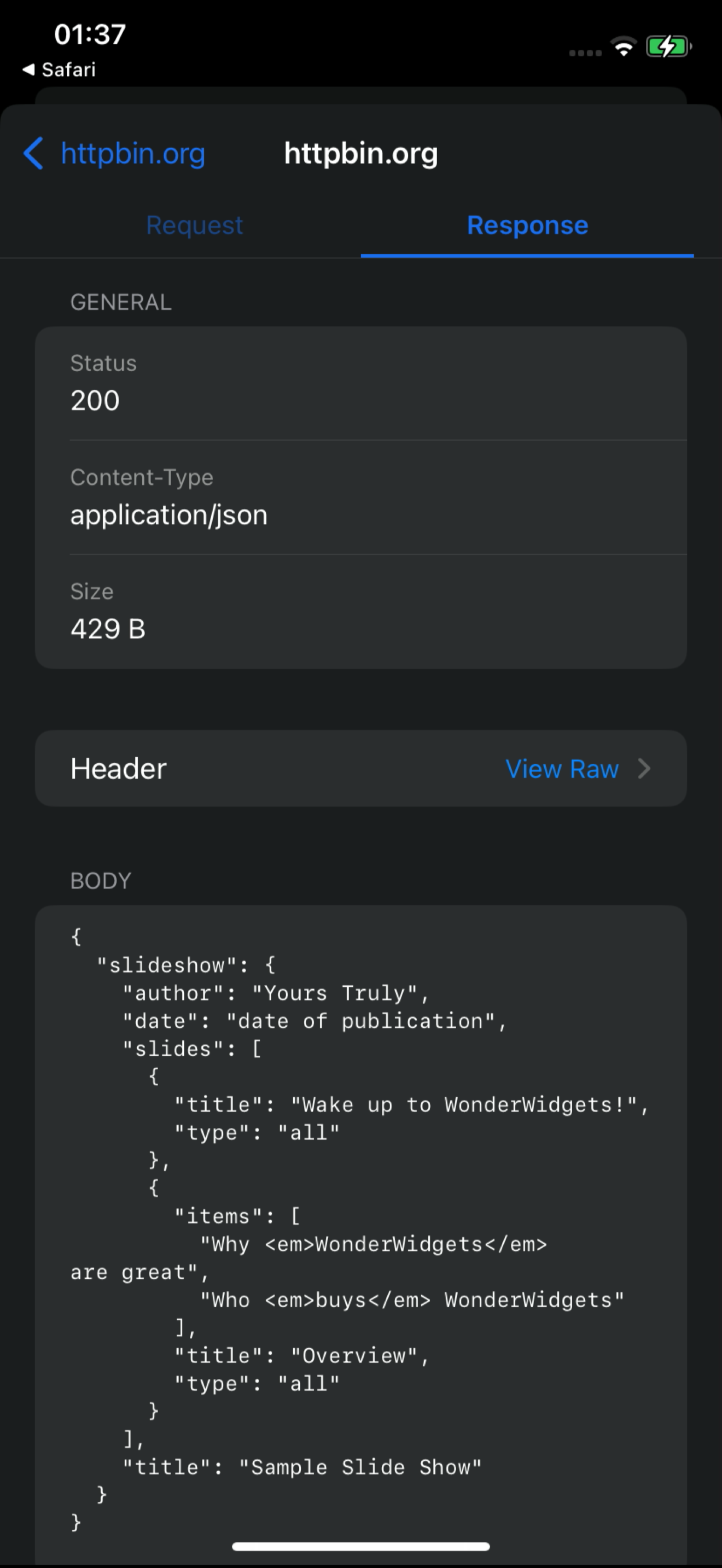
Una registrazione dello schermo di 18 secondi della dashboard live: richieste /v1/charge in arrivo da un iPhone, una aperta con richiesta e risposta, poi BusyBro invitato a spiegarla. Niente mockup — questo è il prodotto in funzione.
- Registrazione dello schermo reale
- Feed della dashboard live
- BusyBro incluso
Ask the live feed.
BusyBro legge l'HTTPS che hai già catturato. Chiedi come fa il login un'app o perché è successo un 500 — nomina gli strumenti che ha eseguito, oscura i segreti e chiede conferma prima di reinviare una richiesta.
- Same live feed
- Tools you can see
- Confirm-gated replay
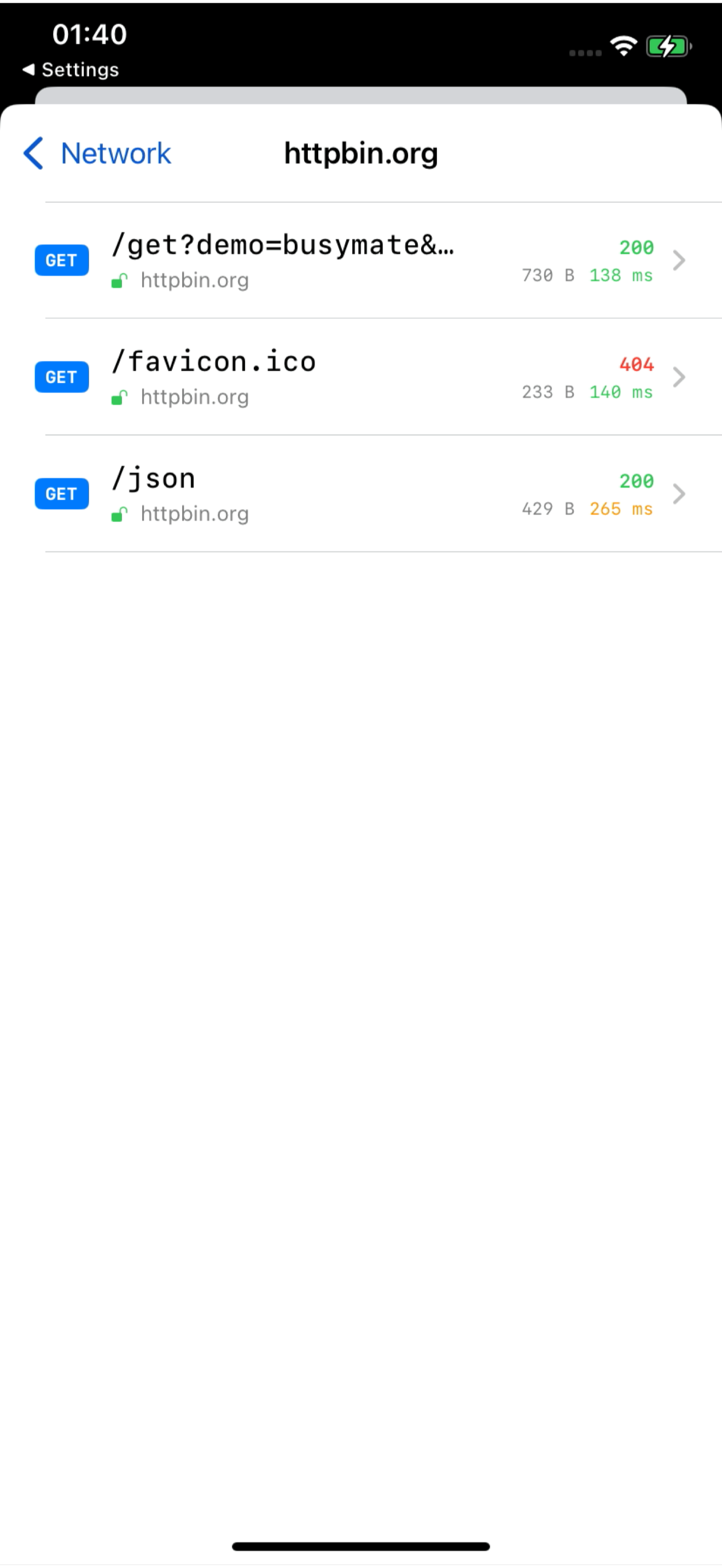
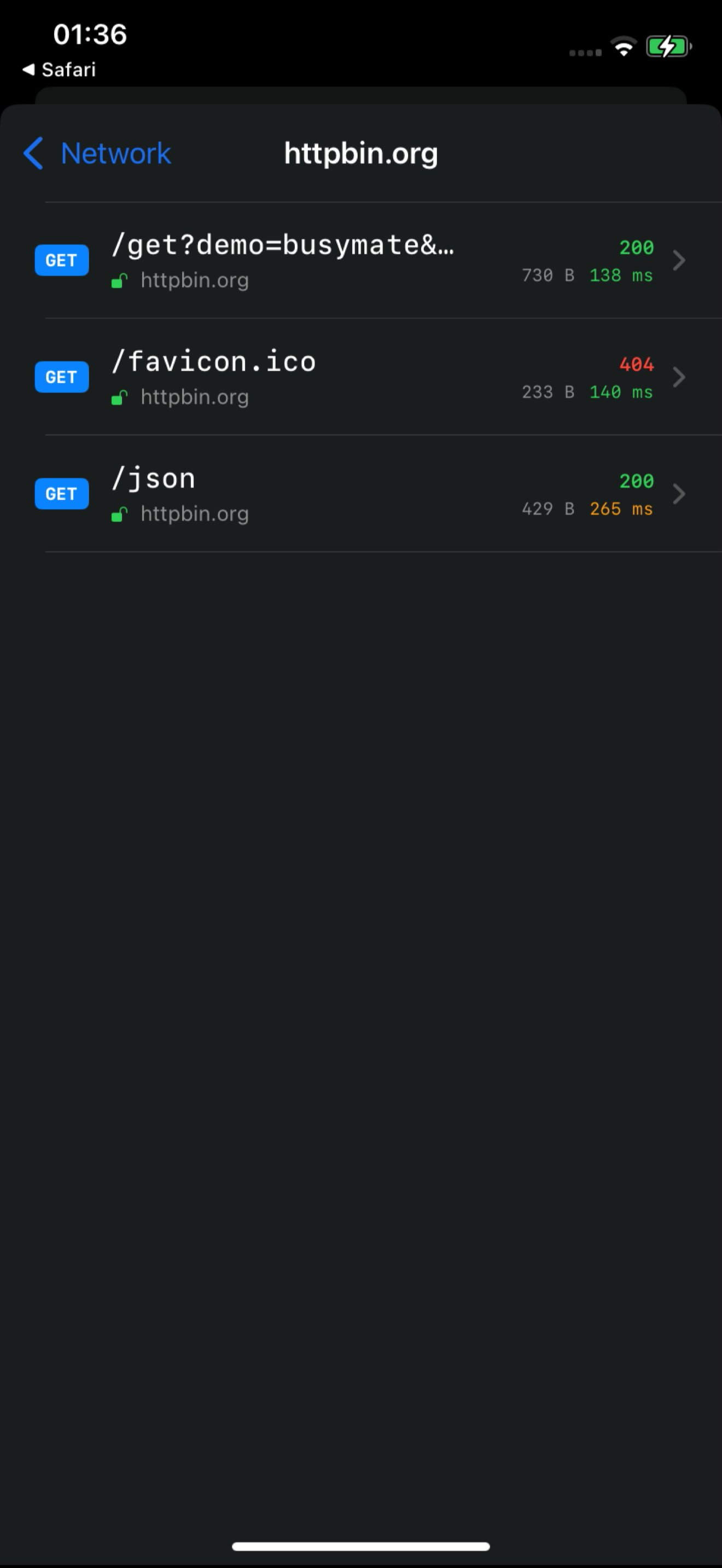
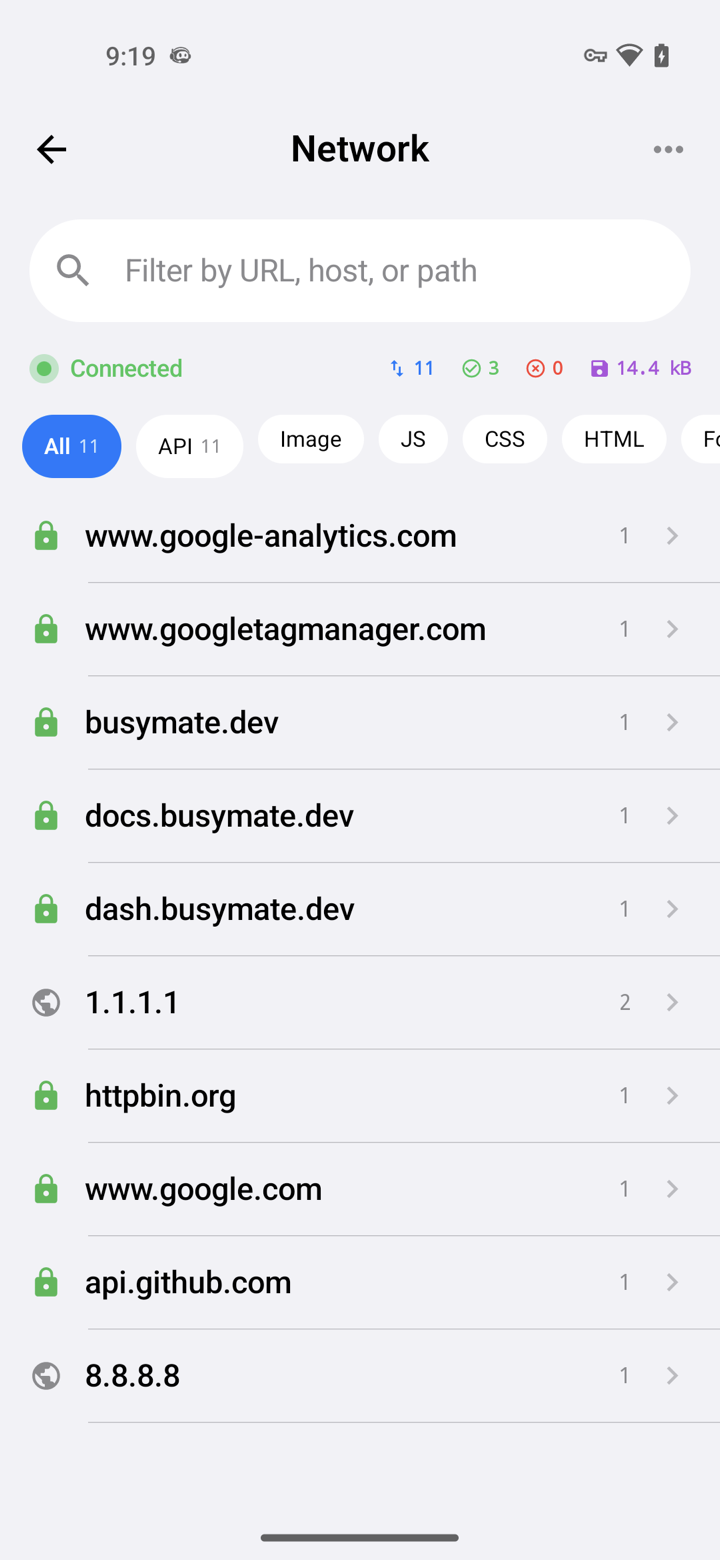
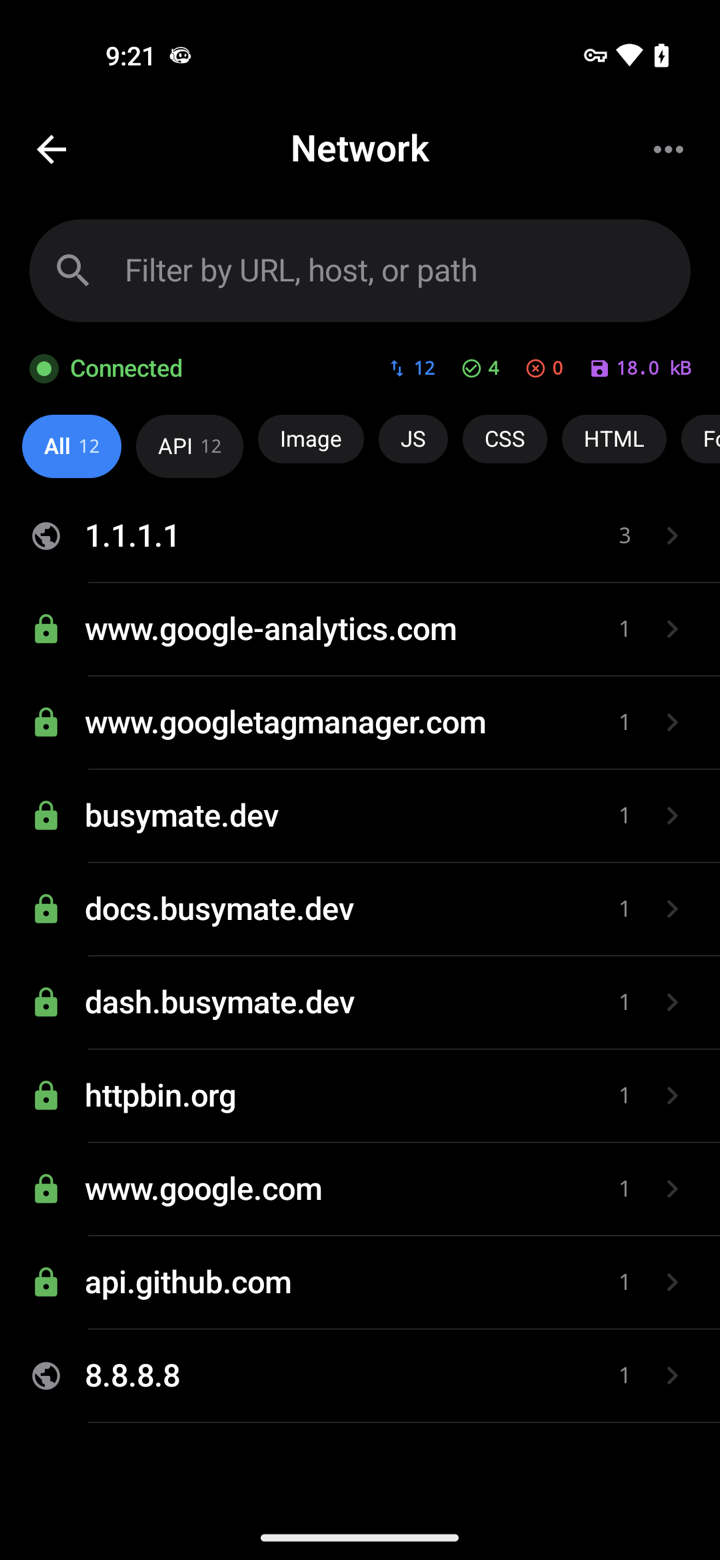
Capture it See it
Decrypt only the hosts you pick. No Mac, no cable.
- iOS VPN
- Android TUN
- No desktop required
Don't just watch.
Open a request, pause it, send back a fake response — or hand the same feed to an AI.
- Breakpoints
- Mocks
- JS scripts
Collega
459 strumenti via MCP. Il tuo agente ispeziona lo stesso feed live e gestisce replay, mock e controllo dei dispositivi — le azioni distruttive chiedono sempre conferma.
- OAuth 2.1
- Confirm-gated
- RBAC-scoped
# Claude Code — add the server, then authorize in your browser:
claude mcp add --transport http busymate-devtools https://mcp.busymate.devOgni sorgente.
Telefoni, Chrome, un proxy o un rack di dispositivi — tutto arriva nella stessa tabella live.
Three steps to
From a phone you own to a dashboard your team — and Claude — can use.
Scarica l’app per iOS o Android, oppure usa un comando per Chrome.
Scegli cosa decifrare. Guarda le richieste arrivare in tempo reale.
Correggi una risposta da solo o chiedi a Claude.
Sicuro sul
Condividi l'accesso deliberatamente, rivedi l'attività e mantieni le credenziali archiviate fuori dall'interfaccia.
Un’AI che ricorda il tuo traffico.
Accesso limitato, un audit trail e un vault di segreti in sola scrittura.
I tuoi utenti accedono con un tap.
Common questions
Can I capture HTTPS on an iPhone without a Mac?
Yes. The iPhone app captures on the phone itself — no Mac, no cable.
How does Android capture work without a Wi-Fi proxy?
The Android app captures on the phone. You can still use a Wi-Fi proxy for other devices if you want.
Can Claude or Cursor read my captured traffic?
Yes. Connect Claude or Cursor — they see the same live feed you do, limited to your role.
Can an AI agent run destructive actions on my devices?
Only if you confirm. Destructive actions ask first, and everything is logged. Secrets cannot be read back.
In cosa è diverso da Proxyman, Charles, HTTP Toolkit o mitmproxy?
Questi strumenti offrono diversi flussi di lavoro locali di cattura, condivisione e automazione. Busymate combina un feed di cattura hosted, accesso limitato per ruolo, un agente con 459 strumenti MCP e controllo di dispositivi veri. Vedi i confronti documentati per scegliere la soluzione giusta.
Is this an LLM observability or tracing platform?
No. It shows the raw HTTPS your apps (and agents) send, so you can inspect and replay. Use it next to a tracing stack, not instead of one.
Cattura la tua prima richiesta
Scegli la fonte di cattura e segui la guida di configurazione. La decrittazione HTTPS richiede la fiducia del certificato e un'app supportata.