

Der Datenverkehr deiner App, erklärt
Erfassen Sie HTTP(S)-Traffic von iPhone, Android und Chrome. Inspizieren Sie Anfragen, testen Sie Antworten und bitten Sie KI, Fehler zu erklären.
Integrierter BusyBro-KI-AgentEr erinnert sich.Er handelt.Du behältst die Kontrolle.
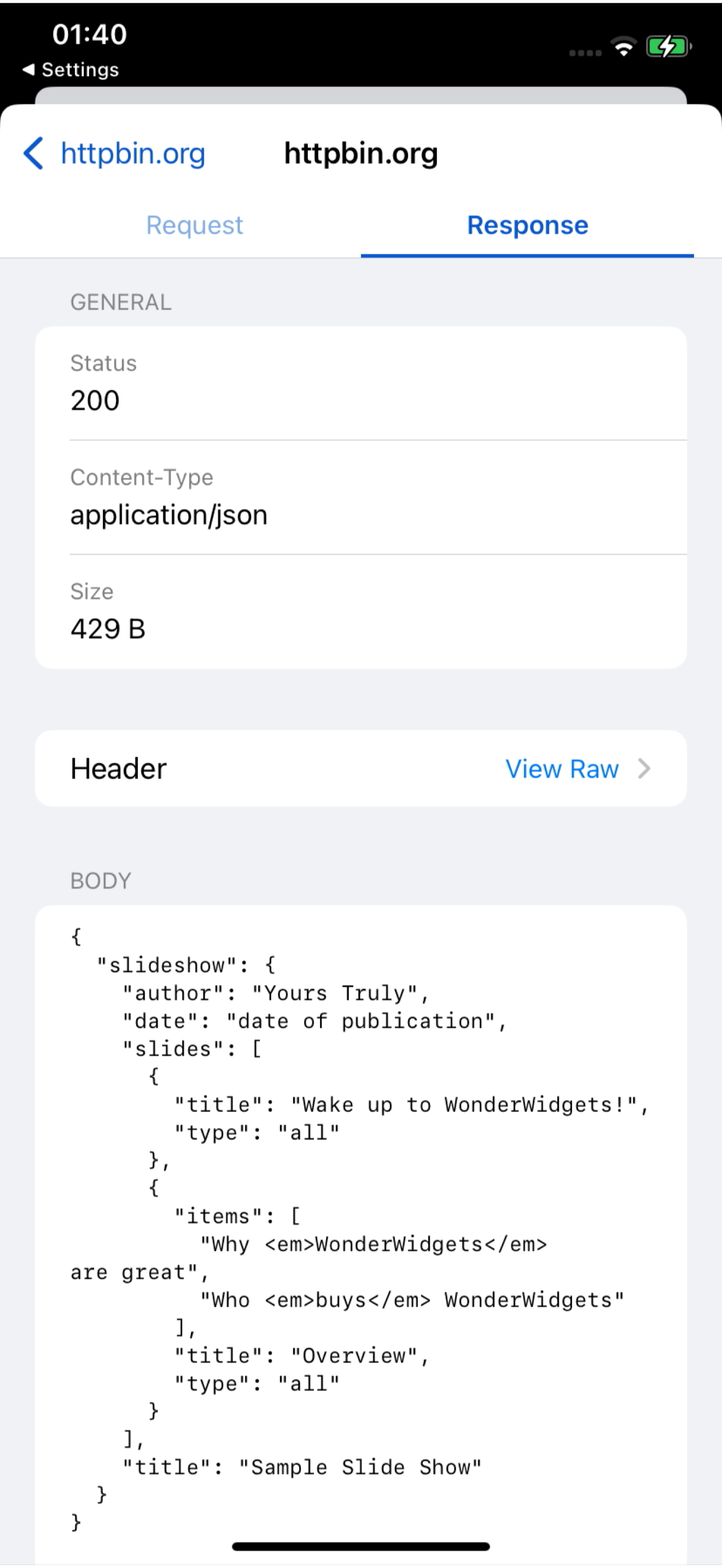
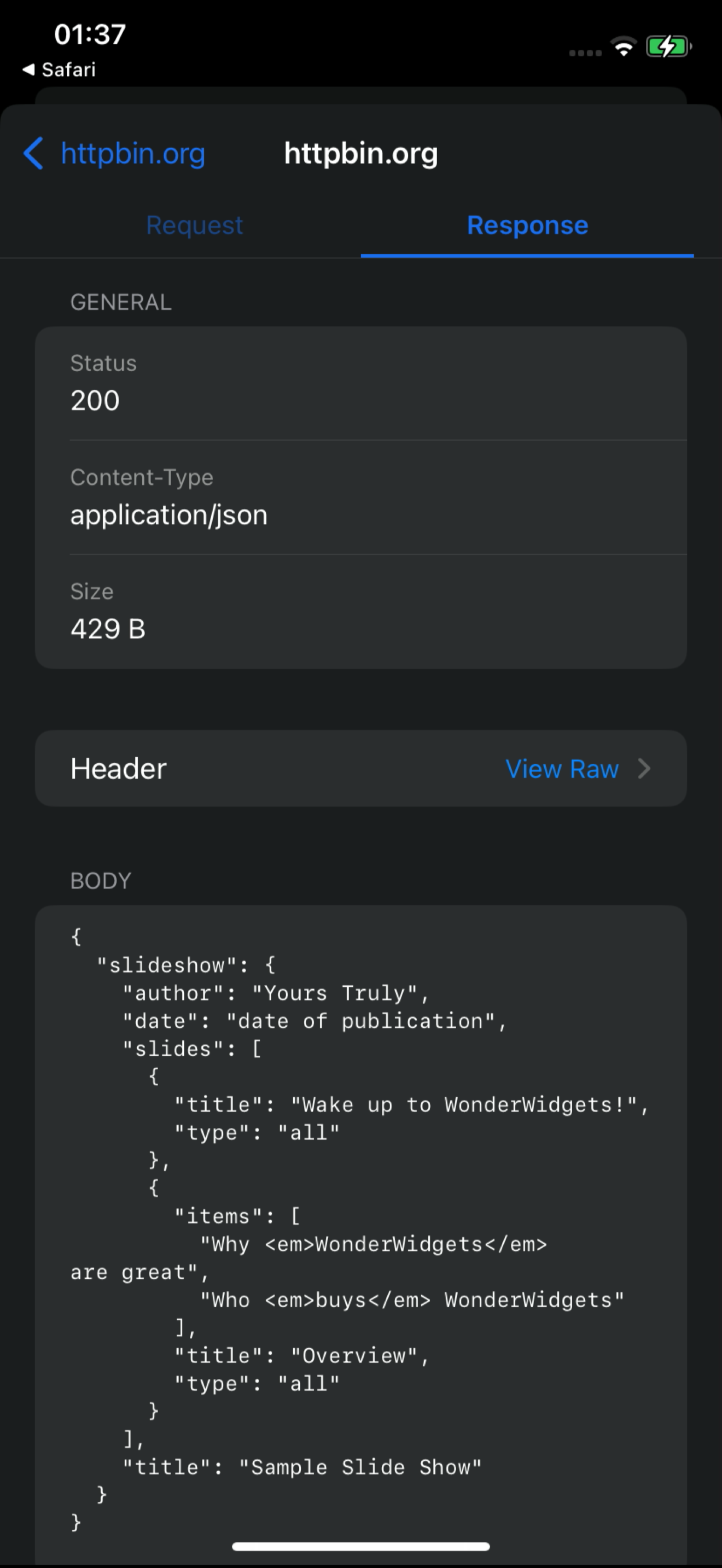
So sieht es
Eine 18-sekündige Bildschirmaufnahme des Live-Dashboards: /v1/charge-Requests treffen von einem iPhone ein, einer wird mit Request und Response geöffnet, dann soll BusyBro ihn erklären. Keine Mockups — so läuft das Produkt wirklich.
- Echte Bildschirmaufnahme
- Live-Dashboard-Feed
- BusyBro inklusive
Ask the live feed.
BusyBro liest das HTTPS, das du bereits erfasst hast. Frag, wie sich eine App anmeldet oder warum ein 500 auftrat — er nennt die Tools, die er ausgeführt hat, schwärzt Secrets und fragt nach, bevor er etwas erneut sendet.
- Same live feed
- Tools you can see
- Confirm-gated replay
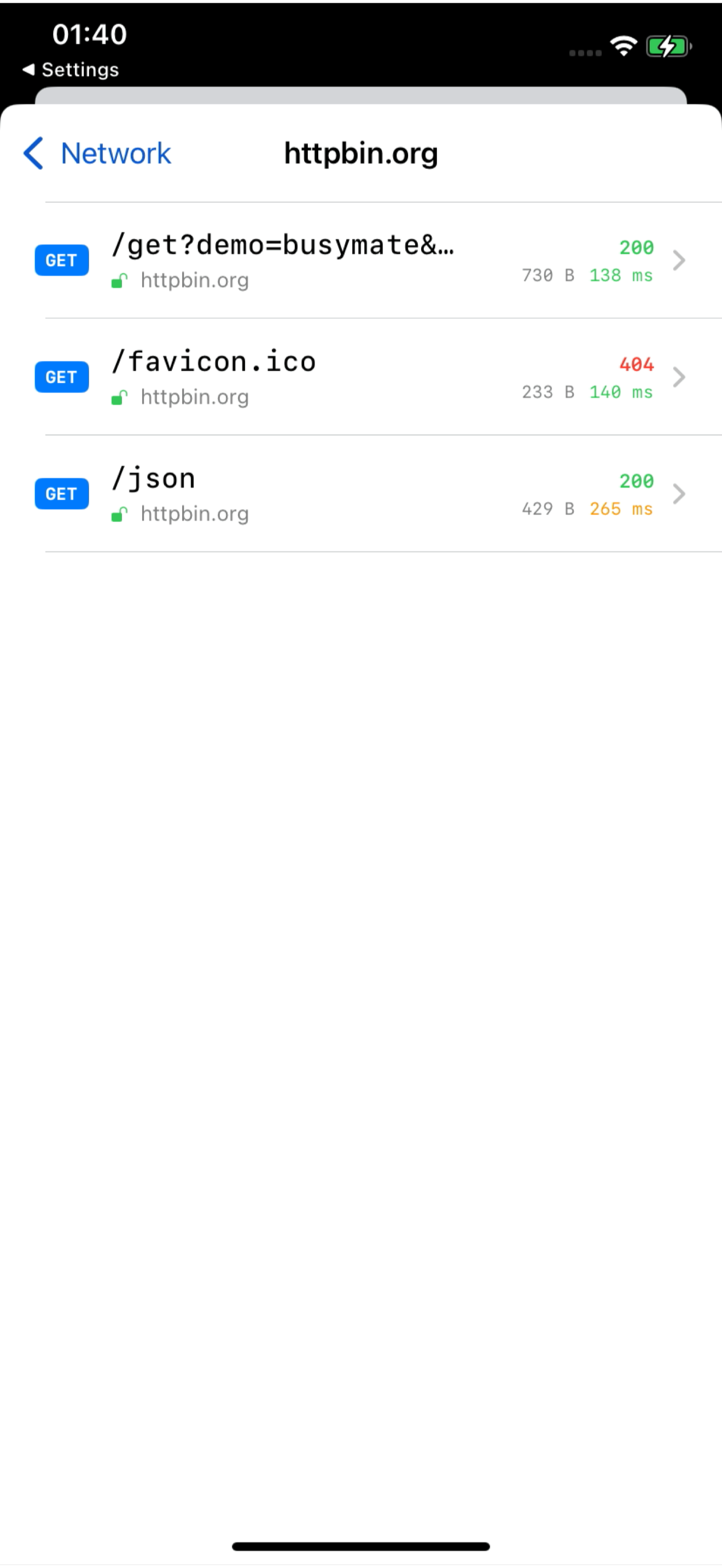
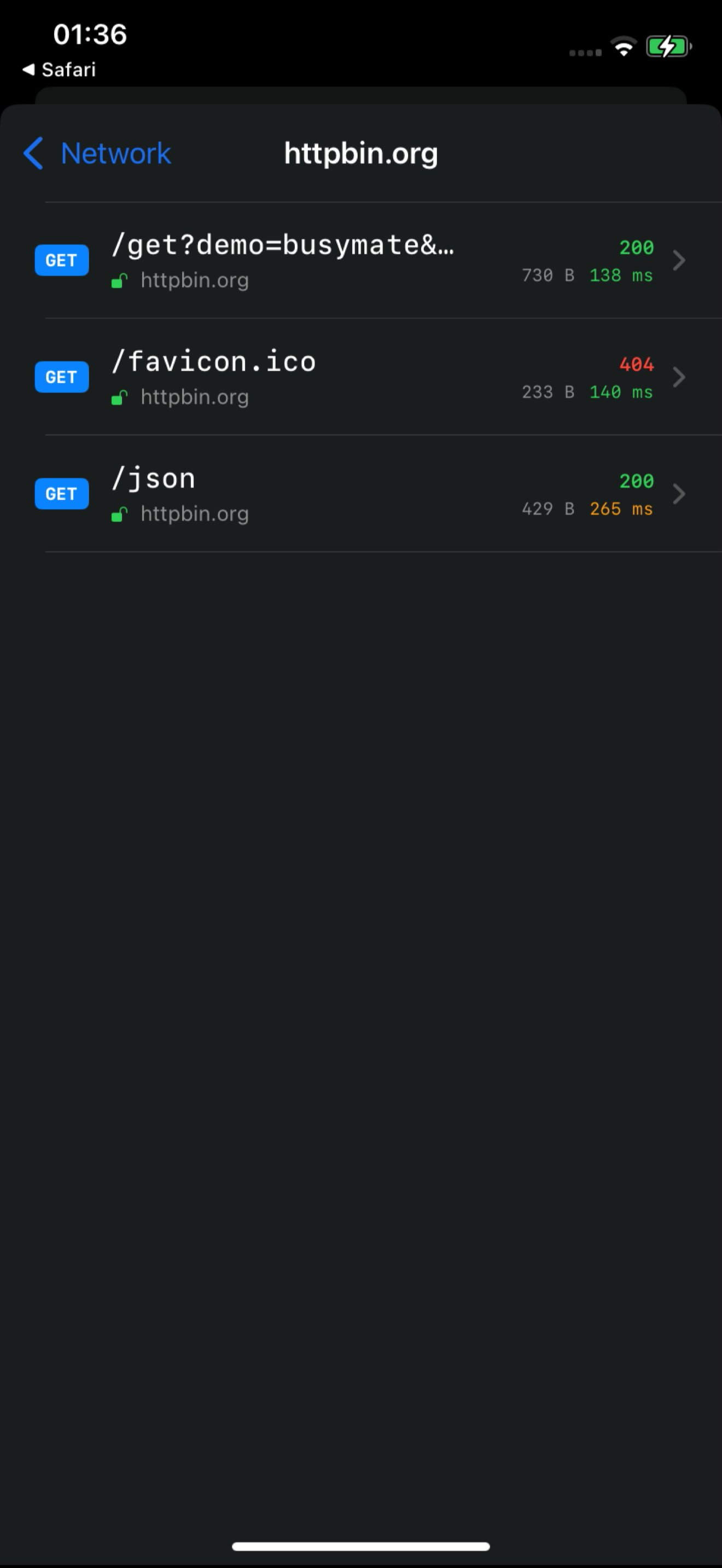
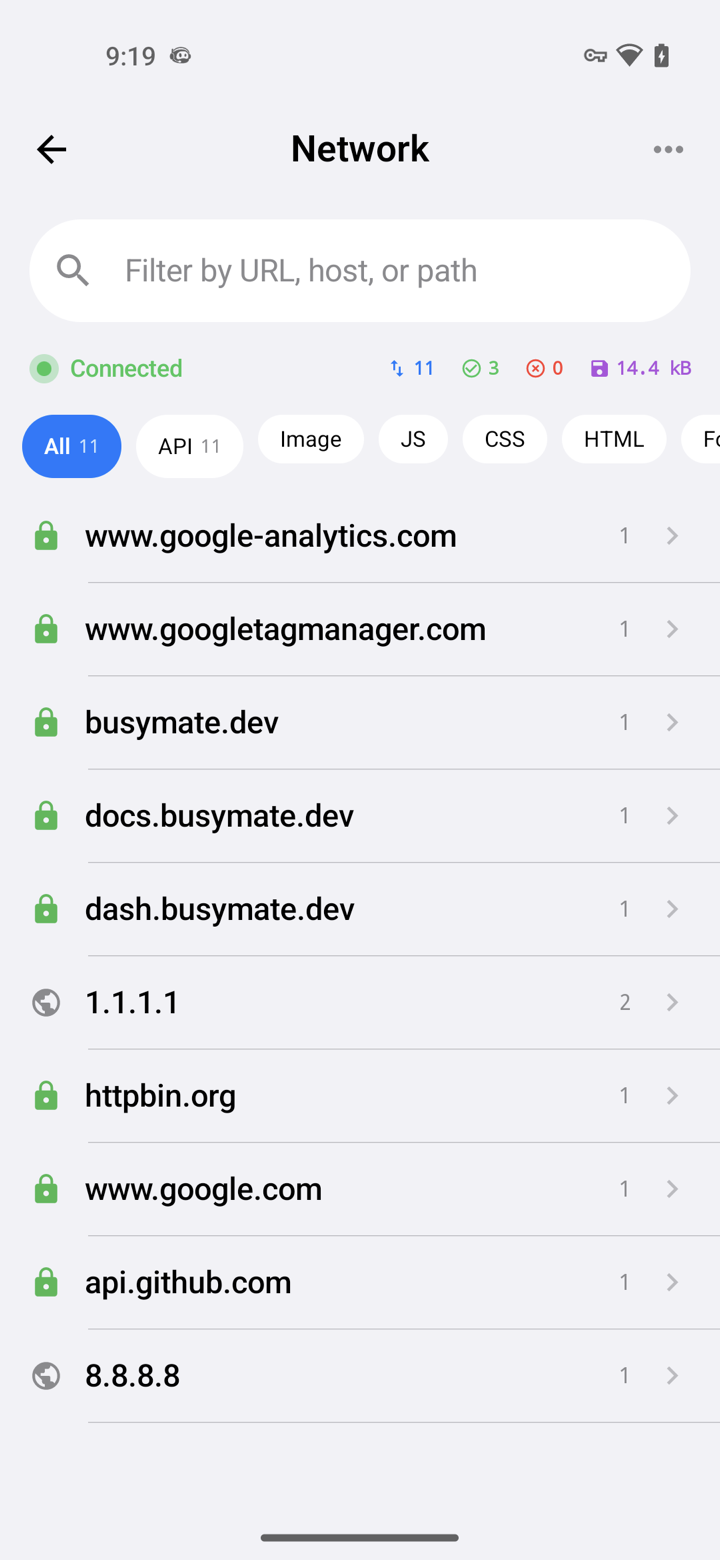
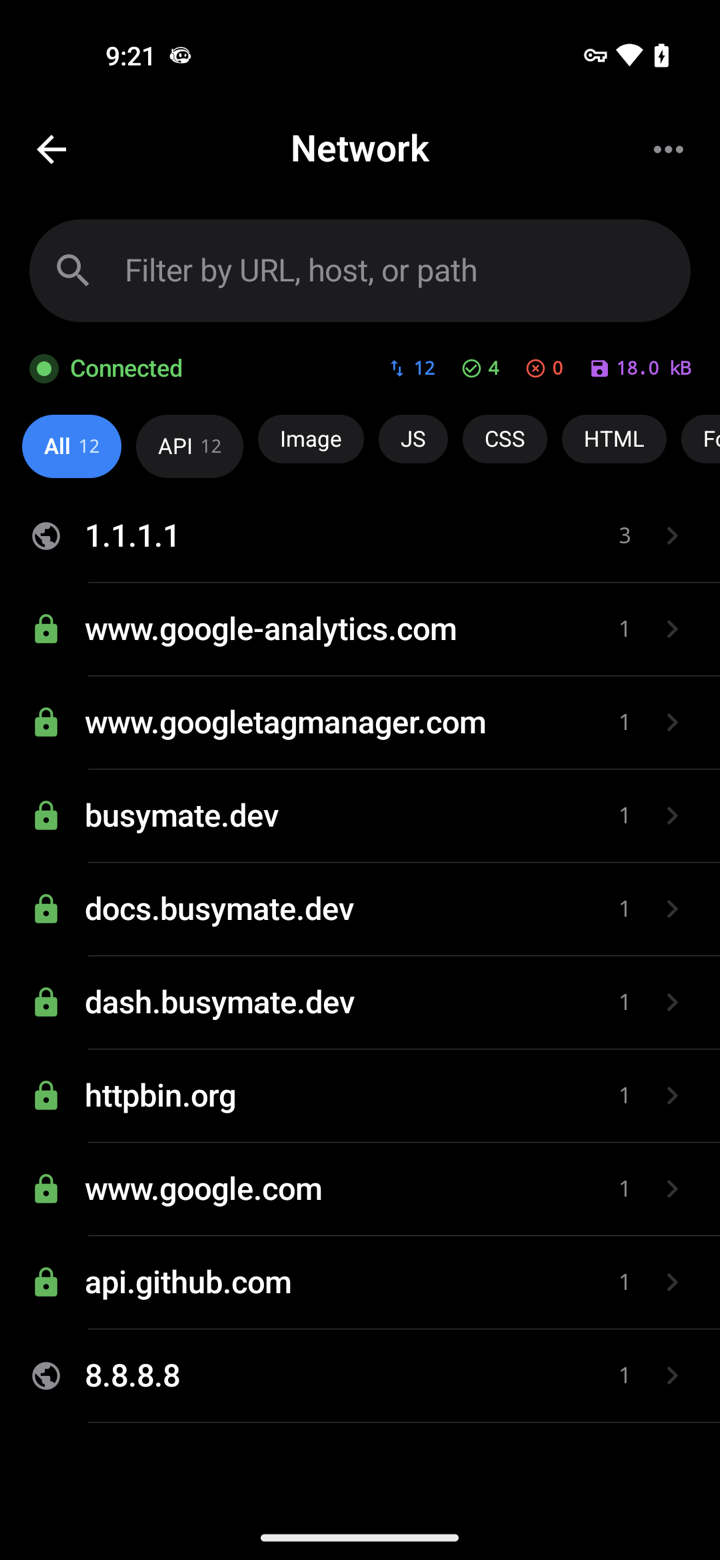
Capture it See it
Decrypt only the hosts you pick. No Mac, no cable.
- iOS VPN
- Android TUN
- No desktop required
Don't just watch.
Open a request, pause it, send back a fake response — or hand the same feed to an AI.
- Breakpoints
- Mocks
- JS scripts
Verbinde
459 Tools über MCP. Dein Agent inspiziert denselben Live-Feed und übernimmt Replay, Mocking und Gerätesteuerung — destruktive Aktionen fragen immer zuerst nach.
- OAuth 2.1
- Confirm-gated
- RBAC-scoped
# Claude Code — add the server, then authorize in your browser:
claude mcp add --transport http busymate-devtools https://mcp.busymate.devJede Quelle.
Telefone, Chrome, ein Proxy oder ein ganzes Geräte-Rack — alles landet in derselben Live-Tabelle.
Three steps to
From a phone you own to a dashboard your team — and Claude — can use.
Für iOS oder Android herunterladen oder Chrome mit einem Befehl verbinden.
Wähle aus, was entschlüsselt wird. Verfolge Anfragen live.
Korrigiere eine Antwort selbst oder bitte Claude darum.
Sicher auf
Teilen Sie Zugriff bewusst, überprüfen Sie Aktivitäten und halten Sie gespeicherte Anmeldedaten aus der Oberfläche fern.
Eine KI, die sich an deinen Traffic erinnert.
Scoped Access, ein Audit-Trail und ein schreibgeschützter Secrets-Tresor.
Deine Nutzer melden sich mit einem Tipp an.
Common questions
Can I capture HTTPS on an iPhone without a Mac?
Yes. The iPhone app captures on the phone itself — no Mac, no cable.
How does Android capture work without a Wi-Fi proxy?
The Android app captures on the phone. You can still use a Wi-Fi proxy for other devices if you want.
Can Claude or Cursor read my captured traffic?
Yes. Connect Claude or Cursor — they see the same live feed you do, limited to your role.
Can an AI agent run destructive actions on my devices?
Only if you confirm. Destructive actions ask first, and everything is logged. Secrets cannot be read back.
Was unterscheidet das von Proxyman, Charles, HTTP Toolkit oder mitmproxy?
Diese Tools bieten unterschiedliche lokale Erfassungs-, Freigabe- und Automatisierungs-Workflows. Busymate kombiniert eine gehostete Erfassungs-Feed, rollengesteuerten Zugriff, einen Agent mit 459 MCP-Tools und echte Gerätekontrolle. Siehe die recherchierten Vergleiche, um die richtige Lösung zu wählen.
Is this an LLM observability or tracing platform?
No. It shows the raw HTTPS your apps (and agents) send, so you can inspect and replay. Use it next to a tracing stack, not instead of one.
Zeichne deine erste Anfrage auf
Wählen Sie Ihre Erfassungsquelle und folgen Sie der Anleitung. HTTPS-Entschlüsselung erfordert Zertifikatvertrauen und eine unterstützte App.